How to Build a Website Localisation Strategy for Regional Expansion
Six-step website localisation guide for Singapore businesses expanding into regional Southeast Asian markets.
Table of contents
Free Website Audit
We'll personally review your website across 6 areas. UX, SEO, performance, mobile, conversion, and send you a detailed, actionable report within 48 hours. No cost. No catch.
A website localisation strategy adapts your site for a specific regional audience rather than simply translating it: language, visual design, cultural references, trust signals, payment options, URL structure, and technical SEO all change per market. For Singapore businesses, this matters most when you are expanding into markets like Malaysia, Indonesia, Thailand, or Vietnam, not for your general Singapore audience, which is predominantly English-speaking. The six steps are: validate the opportunity in each target market, research keywords in the local language, choose the right tooling, localise the UX beyond the text, implement hreflang and technical SEO correctly, and test with real users before and after launch.
According to Common Sense Advisory, 79% of users prefer to buy products in their own native language. That data point makes the commercial case for localisation. It does not tell you how to implement it. The gap between knowing localisation matters and executing it correctly is where most regional expansion projects lose value. The common failure patterns: translating text but not metadata, technical configurations that fragment rankings, and visual experiences that feel translated rather than localised.
Step 1: Validate the Opportunity Before Building
The most common localisation mistake is building before validating. A full localisation into a new market's language is a significant investment: translation, SEO configuration, UX adaptation, and ongoing content maintenance. It should be preceded by evidence that the target market is an addressable opportunity, not an assumed one.
Know when localisation applies to your audience
Not every Singapore business needs to localise, and localising for the wrong audience wastes budget. Singapore's general consumer market is predominantly English-speaking, so a Singapore-only business rarely needs a Mandarin or Malay version of its site to serve local demand.
The exception is a business whose audience includes Singapore's Pioneer Generation or another segment that is genuinely more comfortable in a non-English language. Government agencies sit in a different category entirely: multilingual delivery in English, Mandarin, Malay, and Tamil is a policy requirement, not a commercial judgement call.
Localisation earns its investment fastest when the audience is outside Singapore. A Singapore business expanding into Malaysia, Indonesia, Thailand, or Vietnam is entering a market where English is not the majority working language, so the audience genuinely searches, reads, and buys in the local language.
That is the scenario this guide is built for: a business validating and building a localisation strategy as part of regional market expansion, not a business trying to serve a Singapore audience that already reads English comfortably.
A regional expansion example: seven markets, seven locales
Partipost's expansion is a useful reference point for the scale this can reach. Its platform needed to work across seven markets: Singapore, Malaysia, Thailand, Vietnam, the Philippines, Taiwan, and Indonesia. Each locale needed its own configuration rather than one translated template rolled out seven times.
Thai, Vietnamese, and Indonesian were the hardest to get right.
Machine translation into these languages loses grammatical structure in ways that are obvious to a native reader but easy for a project team to miss. The fix was not a better translation tool. It was routing the machine-translated draft through each country's own marketing team for review before publishing, so a native speaker caught the grammar loss before it reached users.
That review step, not the translation engine, is what made the seven-locale rollout usable.
Check your existing traffic for language signals
Google Analytics 4 and Google Search Console both reveal the language and country composition of your existing traffic.
In GA4, Audience, Demographics, Language shows the language settings of your current visitors. In Search Console, the Performance report filtered by Country shows which markets are already generating impressions and clicks for your site.
Suppose 15% of your traffic already comes from Malaysia or Indonesia, but the conversion rate for that segment is close to zero. That is direct evidence of a localisation opportunity: users are already finding you but not converting because of the language barrier.
Identify low-CTR, high-impression queries by country
Search Console's Performance report, filtered by Country, reveals queries where your site is generating impressions in a target market without earning clicks.
Take a Singapore business seeing 500 monthly impressions from Indonesia with a 0.1% click-through rate. An Indonesian audience is finding it in search results but choosing not to click. That often means the search result preview, the title and meta description, is not in the user's preferred language. This data point identifies both the market opportunity and the specific pages where localisation investment will produce the fastest return.
Prioritise locales by commercial logic, not geography
Proximity does not equal opportunity. A Singapore business might have more commercial alignment with Vietnamese-speaking users than with a geographically closer but commercially thinner market.
Prioritise using three questions:
- which language segments show the highest existing demand signal (impressions, traffic, or direct enquiries);
- which markets have a clear commercial path for your specific product or service;
- and which locales your team can actually maintain with content over time.
Start with one or two locales done well rather than four locales done superficially.
Step 2: Conduct Locale-Specific Market and Keyword Research
Many businesses assume that translating English keywords produces the right keyword targets for another locale.
This is one of the most expensive mistakes in multilingual SEO. Search behaviour is shaped by language conventions and cultural context, not just vocabulary. A Singapore firm translating a service term literally into Bahasa Indonesia will produce a phrase that may not match how Indonesian users actually search for that service.
Effective multilingual SEO requires keyword research conducted in the target language, not translated from the source language.
Use search tools in the target language
Google Search's autocomplete and "People also search for" results change by language. Searching for a service in Thai on Google Thailand surfaces different query completions and related searches than the English equivalent. These native-language SERP features reveal the vocabulary, phrasing, and query structure that local-language users actually use.
Ahrefs and Semrush both support locale-specific keyword research with country and language filters, so you can research the actual Thai, Vietnamese, or Bahasa Indonesia keyword landscape for your category rather than guessing from a translation.
Understand cultural search intent differences
Beyond vocabulary, audiences in different languages can have different intent when searching the same topic.
A search for a professional services firm in Vietnamese may prioritise credentials and institutional trust signals: certifications, years in operation, named case studies. The English-language equivalent query tends to focus more on portfolio and process.
These intent differences should shape the content structure and emphasis of each localised page, not only its wording. How search engines read user intent explains this dynamic in more depth, and the same principles apply within a single locale's search results.
Step 3: Choose and Configure Your Localisation Tooling
For Webflow-based websites, three tooling options cover most localisation scenarios. The right choice depends on the site's scale, the languages being added, and how much ongoing content maintenance your team can support.
Webflow's built-in localisation module
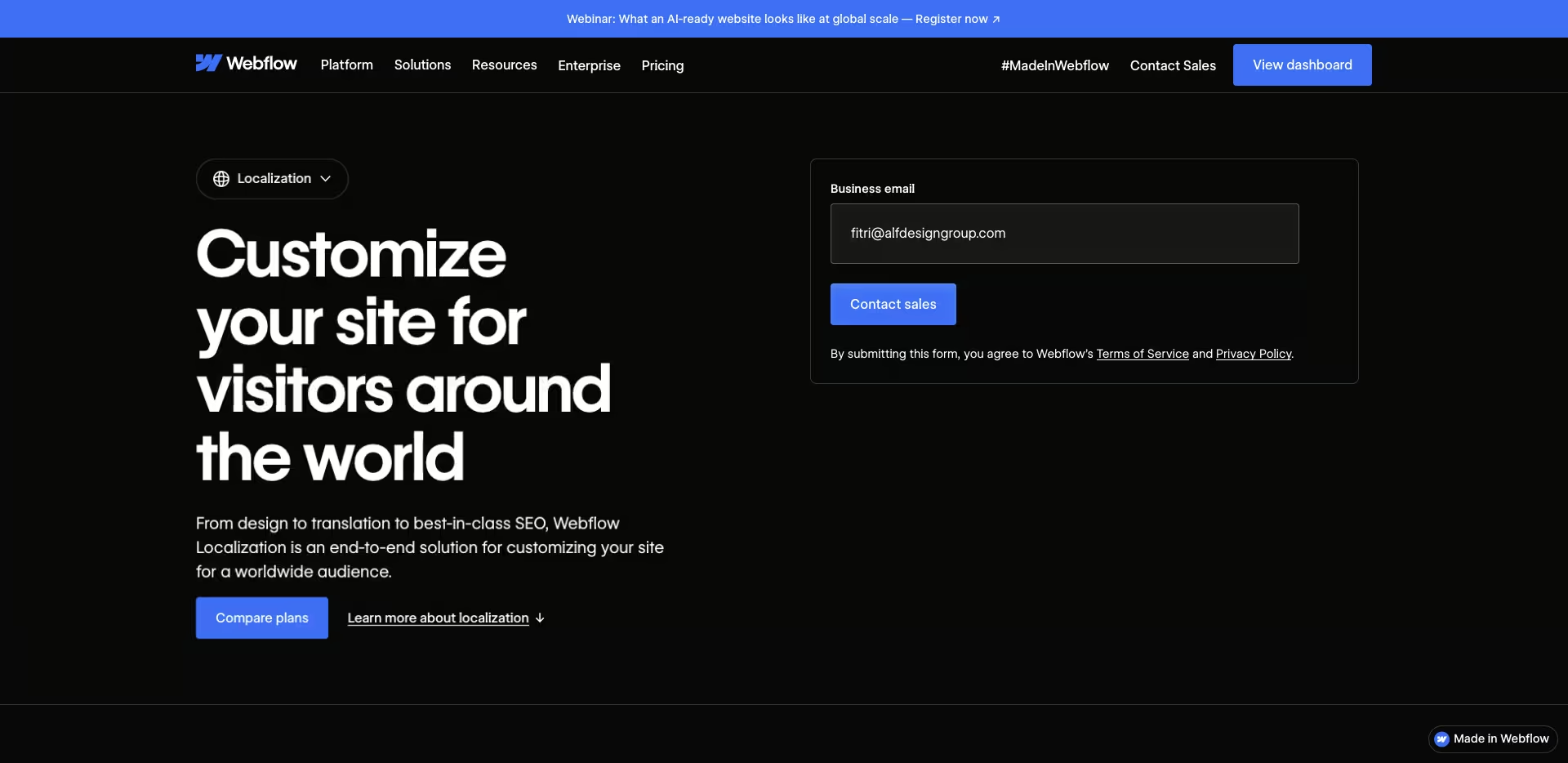
For sites built by ALF Design Group, Webflow's native localisation module is the default recommendation. It provides per-locale URL slugs using a subdirectory structure, such as site.com/th/ for Thai, per-locale SEO metadata, CMS content localisation, and automatic hreflang tag generation. All of this works inside the Webflow Designer, with no third-party integrations or plugin configuration required.
The hreflang automation is particularly valuable: 75% of international websites have hreflang implementation errors that fragment search rankings, and Webflow's automatic implementation removes the most common of those errors.
Weglot for rapid multilingual deployment
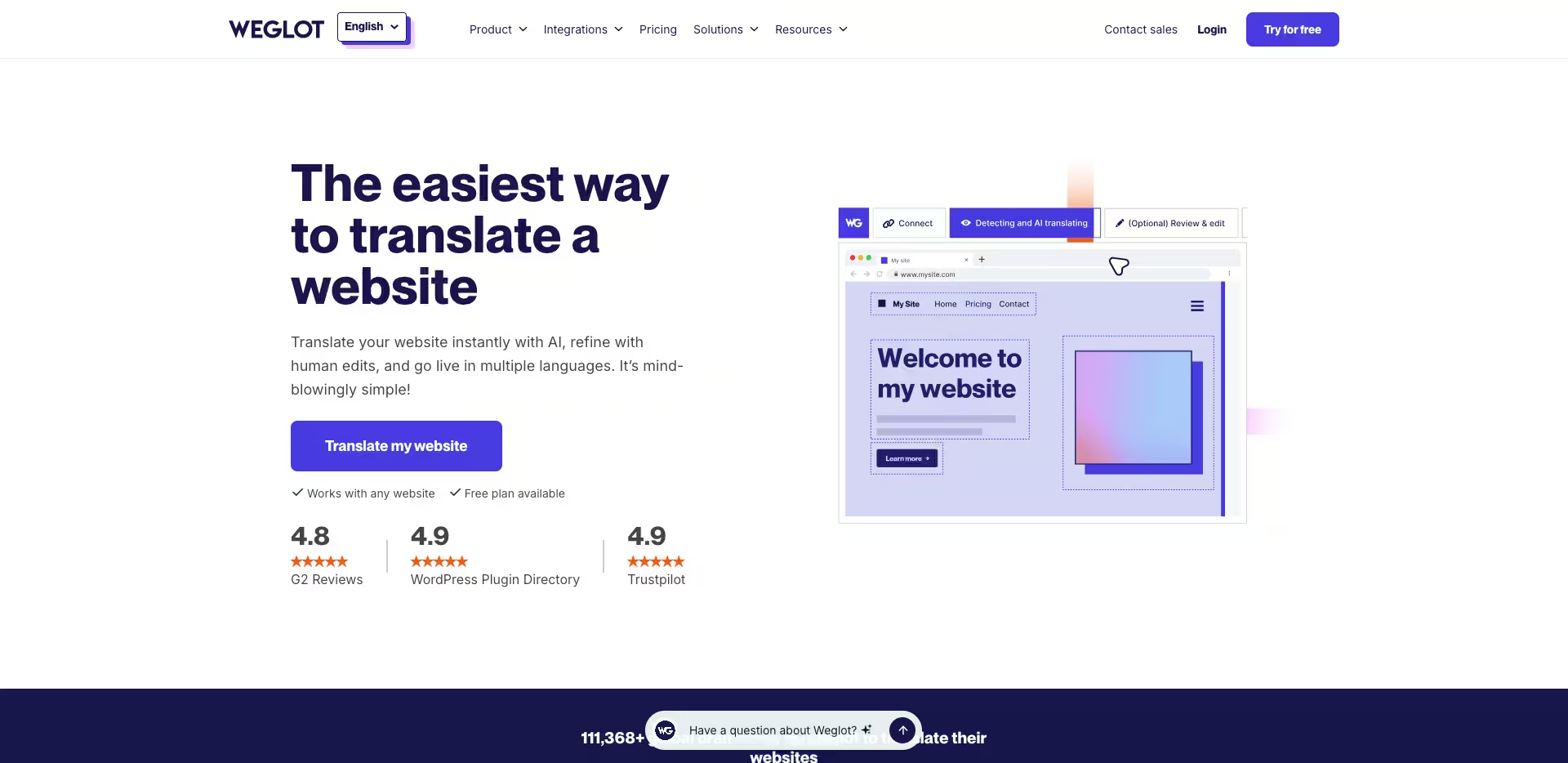
Weglot is the fastest route to a multilingual website. It uses AI translation to produce an initial draft of all site content, which can then be refined through a human review workflow. It integrates with Webflow through a script embed and handles hreflang, subdirectory URL structure, and multilingual sitemap generation automatically.
The trade-off: Weglot's machine translation is strong for informational content but needs human review for brand-critical copy, technical content, or culturally specific marketing language, the same gap that made the Thai, Vietnamese, and Indonesian review step necessary in the Partipost example above.
For a Singapore business testing a new locale quickly before committing to a full localisation project, Weglot's free trial and low entry price make it the most accessible starting option.
Linguana for SEO-optimised multilingual sites
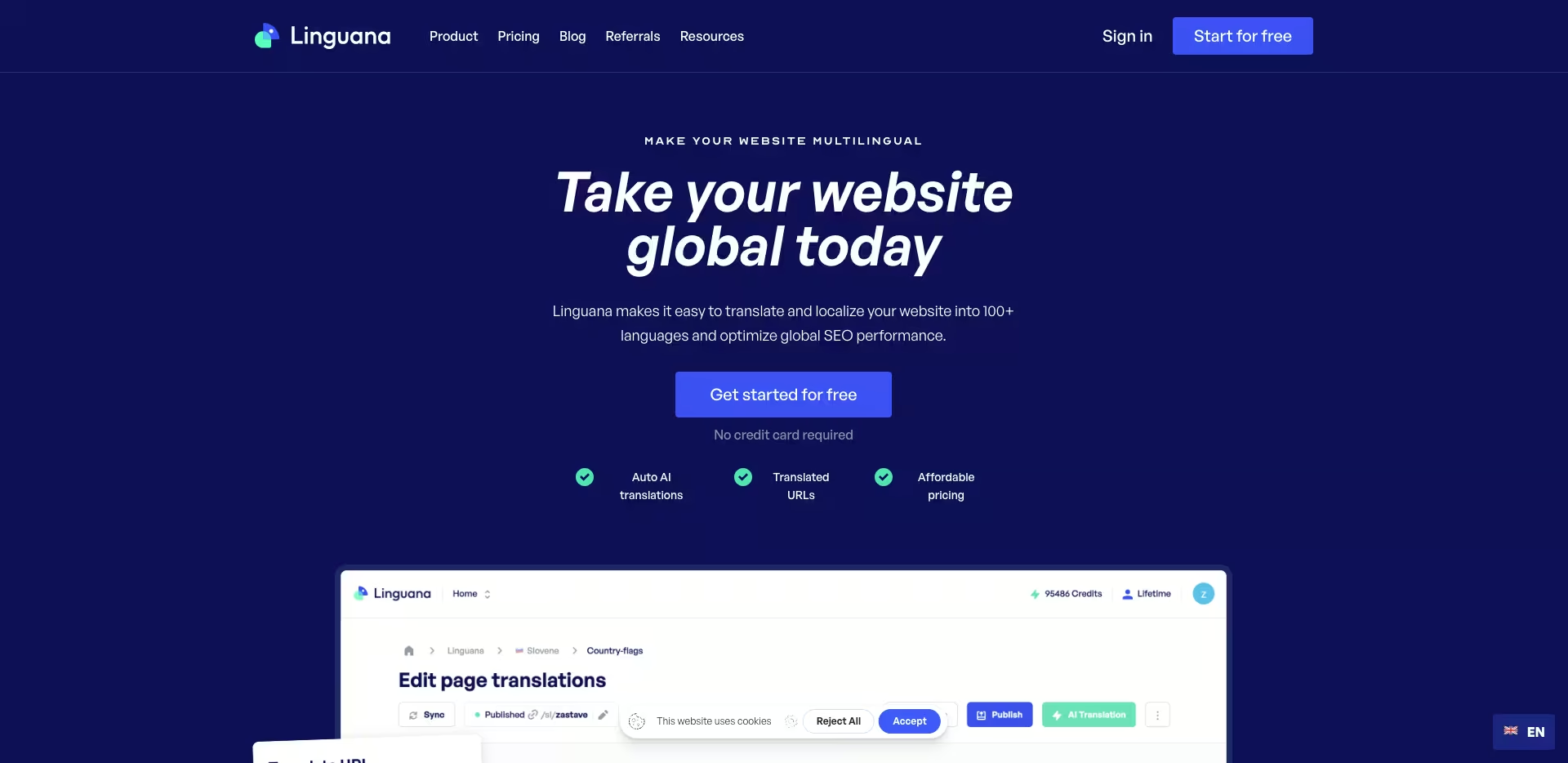
Linguana supports multiple platforms, including Webflow, Framer, Wix, and WordPress. It is particularly strong on per-locale SEO controls: title tags, meta descriptions, and canonical URLs can be configured independently for each locale inside the tool's own interface. For teams running sites across multiple platforms, or planning to migrate between them, Linguana's cross-platform support offers flexibility that Webflow's native module and Weglot cannot match. Its AI translation quality is comparable to Weglot for most content types.
Step 4: Localise the UX and UI, Beyond the Text
Text localisation is the floor of effective localisation, not the ceiling. Some UX and UI details signal to a non-English user that a website was built for their market. Others signal that it was merely translated for them. The difference goes well beyond the words on the page.
Cultural imagery and visual language
The brands that do this well understand that effective localisation goes beyond surface-level adaptation. Grab and Foodpanda both maintain a consistent visual identity across Singapore and Malaysia, but adapt their photography, promotional framing, and content emphasis to reflect each market's food culture, delivery context, and payment methods.
The underlying brand is identical; the visual experience is distinctly localised. For a Singapore firm adding a Vietnamese locale, this means using photography that reflects Vietnam's own business context, not generic international stock imagery that could have come from anywhere.
Local trust signals
Each language audience has its own visual and textual trust signals that communicate credibility within its cultural context. For a Thai-language audience, this typically means: references to local clients with recognisable Thai business names; case studies from sectors with a strong local presence; and compliance references relevant to that market's regulatory context.
These are not additional content requirements layered on top of localisation. They are the content that makes the localised site trustworthy rather than merely legible, which is the same principle behind how trust signals affect UX and conversion.
Currency, dates, and transactional elements
Every page that displays pricing, dates, or transactional elements needs locale-specific formatting, not just translated labels, but correctly formatted values.
Pricing should show in the local currency (MYR for Malaysia, THB for Thailand, IDR for Indonesia, VND for Vietnam) with the correct formatting convention for each currency. Date formats should follow local convention, and DD/MM/YYYY is standard across most of Southeast Asia, not MM/DD/YYYY.
Forms need locale-appropriate fields too: phone number fields with the correct country code prefix, and postal code fields with the correct length and format for each market. These are not translation tasks. They are UX configuration tasks that need a deliberate design decision for each locale.
Right-to-left (RTL) layout considerations
Websites localised for Arabic, Hebrew, Farsi, or Urdu need a right-to-left layout.
The entire page direction reverses: text flows right to left, and UI elements normally on the right, such as navigation arrows, form submit buttons, and breadcrumb indicators, move to the left. This is a design and development task that translation alone cannot achieve. Webflow's localisation module includes RTL support, but the design system needs to be explicitly planned for RTL from the outset rather than retrofitted later.
For a Singapore business with Middle Eastern market ambitions, RTL should be scoped as its own design deliverable.
Forms, CTAs, and microcopy
Every CTA button, form label, placeholder, error message, and confirmation text needs to be localised, not just the page body content. These microcopy elements are the points of highest user friction. Untranslated microcopy on a localised page creates a jarring experience that signals the localisation is incomplete.
A Vietnamese-language page with a "Submit" button or a "Thank you for your message" confirmation in English tells the user something specific: their language was accommodated for reading, but not for action. The same UX principles that apply to any form still apply here, just per locale, as set out in form design for multilingual sites.
Step 5: Implement the Technical SEO Requirements
Technical SEO for multilingual websites needs configurations that are distinct from single-language SEO. Getting these right determines whether the localised content generates search impressions at all. Getting them wrong can cause localised pages to compete against each other, or against the source-language pages, for the same queries.
Hreflang: the non-negotiable
Hreflang tags tell Google which version of a page to show to users in which language and region. According to international SEO research for 2026, 75% of international websites have hreflang implementation errors that directly fragment their search rankings. The wrong page version surfaces in the wrong market, users see content in the wrong language, and conversion rates fall as a result.
The three non-negotiable requirements for correct hreflang implementation:
- Self-referencing tags: every page must include a hreflang tag pointing to itself. Missing self-referencing hreflang is the most common error.
- Symmetric annotations: if the English page references the Thai page, the Thai page must reference the English page. Asymmetric hreflang is treated as an error by Google.
- Valid ISO language codes: hreflang="th" for Thai, hreflang="vi" for Vietnamese, hreflang="id" for Indonesian. Invalid codes are ignored.
Webflow's localisation module generates correct hreflang automatically, including self-referencing and symmetric annotations. That is why we recommend it as the default for ALF-built Webflow sites. For sites using third-party tools, validate hreflang implementation using Screaming Frog or an online hreflang checker after any change to the localisation configuration.
URL structure
Use a subdirectory URL structure, such as site.com/th/ for Thai, rather than subdomains (th.site.com) or separate country-code domains (site.co.th). Subdirectories consolidate domain authority under a single root domain, are simpler to manage, and are the default in Webflow's localisation module.
Google recommends the subdirectory approach for most businesses adding localised content to an existing website, and it ties directly into the broader URL decisions behind structuring URLs for a Singapore audience.
Locale-specific metadata
Every localised page needs independently translated and localised title tags, meta descriptions, and H1 headings. The translated metadata should not be a word-for-word translation of the English metadata.
It should use the locale-specific keywords identified in Step 2, and match the search intent of the target-language audience. Meta descriptions in the target language, appearing in Thai or Vietnamese search results, are what drive click-through.
English metadata on a non-English search result actively suppresses CTR, so each locale's title tag and description need their own translation, not a shared English fallback.
Multilingual XML sitemap
A multilingual XML sitemap includes hreflang annotations for every localised URL variant. This lets Google discover and index the full set of localised pages efficiently.
Without a multilingual sitemap, Google's crawler has to discover localised pages by following the hreflang annotations on the source-language pages, which is slower and less reliable than direct sitemap submission.
Webflow's localisation module generates a multilingual sitemap automatically. For third-party tool implementations, verify that the sitemap includes hreflang annotations for all locale variants.
Step 6: Test, Validate, and Iterate
Localisation is not a one-time project. It is a programme that needs ongoing validation, to confirm the technical configuration is working correctly and the localised content is producing the expected audience outcomes.
Pre-launch validation
Before launching any localised content, validate five things:
- all localised pages return 200 status codes, not 404s or redirects;
- hreflang annotations are correctly implemented and symmetric;
- all metadata is translated, not just body content;
- all forms and CTAs function correctly in the localised context;
- the page renders correctly on mobile in the localised font and character set.
This last check matters most for the language pairs a machine-translation-plus-review workflow is likely to miss, the same grammar-loss risk the Partipost rollout ran into with Thai, Vietnamese, and Indonesian. Test on real devices rather than emulators; browser emulators do not always represent how these fonts and scripts render on iOS and Android.
Post-launch monitoring in Google Search Console
After launch, monitor three things in Google Search Console. Check the International Targeting report, under Legacy tools and reports, to confirm Google is correctly associating each localised page with its target language.
Monitor the Coverage report for crawl errors on localised URLs. And monitor the Performance report filtered by each target country, to track whether impressions are beginning to appear for queries in the target language, typically within two to four weeks of launch for correctly configured localisation. This monitoring habit sits inside the wider SEO and UX framework in implementing localisation without losing conversion.
A/B testing localised variants
Once a localised version is live and generating traffic, A/B testing reveals which localisation decisions are working and which are not. Webflow's built-in A/B testing tools, alongside options such as VWO or Microsoft Clarity, let teams test different headline framings, CTA copy variants, or trust signal placements across locales. This testing layer turns localisation from a one-time configuration into a continuously optimised experience.
User feedback and qualitative research
Quantitative data from GSC and analytics reveals what is happening on localised pages: engagement, conversion, and bounce rates. Qualitative research reveals why. User interviews with target-market users who have visited the localised site, or usability testing sessions with participants in each locale, surface the specific friction points and trust barriers analytics data cannot explain. Auditing a localised site's usability is the structured way to run that research properly.
What Good Localisation Looks Like: Brand Consistency with Local Relevance
The benchmark for effective localisation is not whether the content is correctly translated. It is whether users in the target locale feel the website was made for them.
The most effective examples in Southeast Asia are the regional brands that localise without losing their brand identity: consistent visual design, consistent service proposition, and consistent brand voice, but locally adapted imagery, locally relevant social proof, locally appropriate CTAs, and locally formatted transactional elements.
Grab's Singapore and Malaysia websites share a design system, colour palette, and product architecture, but the homepage photography in Singapore features local food and payment contexts, while the Malaysia homepage features distinct Malaysian cultural and food imagery. Both feel native to their markets without losing brand recognition. This is the standard effective localisation should aspire to: local without being unrecognisable, adapted without losing connection to the brand that built the trust the localised page is trying to extend.
For B2B professional services and technology companies expanding regionally, the equivalent is the same competency and quality signals, expressed through case studies, clients, and social proof the target locale recognises. Partipost achieved this across seven markets by pairing one consistent platform experience with locale-specific review at the language layer, rather than assuming one translated version would work everywhere. A Vietnamese-language version of a Singapore agency's site that references Vietnam's own business context, through named clients, sector references, and cultural context, will convert better than one that is linguistically accurate but culturally generic.
Frequently Asked Questions
What is the difference between translation and localisation?
Translation converts words from one language to another. Localisation adapts everything around those words too, so each audience encounters a website that feels built for them rather than adapted for them. A translated website produces foreign-language text on a page that still reflects the source market's assumptions. A localised website redesigns those assumptions for each specific audience. The commercial difference is significant: translated websites reduce the language barrier but keep the other barriers that prevent conversion, while localised websites remove the major barriers at once.
How long does a website localisation project take?
A focused localisation of a 10 to 20 page business website for a single additional language, such as Thai, Malay, or Bahasa Indonesia, typically takes four to eight weeks end to end. That breaks down into market and keyword research (one to two weeks), translation and human review of all content including metadata (one to two weeks), UX and UI adaptation and locale-specific design decisions (one to two weeks), technical SEO configuration and QA (one week), and pre-launch testing (one week). A multi-locale rollout like the seven-market Partipost example takes longer, since each locale's review step runs in parallel with, not instead of, the others. CMS-heavy sites, where multiple CMS collections need localising, take longer than brochure sites with a fixed page count.
Should I use machine translation or human translation?
Machine translation, whether Weglot's AI, Google Translate, or DeepL, produces serviceable first drafts that are adequate for informational content and internal review. For client-facing content, service pages, case studies, CTAs, and blog articles, human review of the machine translation output is essential. Machine translation lacks the cultural nuance, professional register, and brand voice alignment that a native-speaker reviewer provides, and it can lose grammatical structure outright in some languages.
What hreflang errors should I watch out for?
The most common hreflang errors, in order of frequency: missing self-referencing tags, since every page must hreflang-reference itself; asymmetric annotations, where page A references page B but page B does not reference page A; invalid ISO language codes, such as using "cn" or "chinese" instead of "zh"; hreflang pointing to URLs that return non-200 status codes; and hreflang implemented on some pages but not others in the same locale. According to 2026 research, 75% of international websites have hreflang errors that fragment rankings. Webflow's localisation module generates correct hreflang automatically. For third-party implementations, validate with Screaming Frog or a dedicated hreflang checker after any configuration change.
How do I localise for right-to-left languages like Arabic?
RTL localisation requires the entire page layout to reverse direction: text flows right to left, navigation elements that appear on the right in LTR layouts move to the left, directional icons such as arrows and progress indicators reverse, and the visual weight of the page composition changes. This is a design and development task, not just a translation task. Webflow's localisation module includes RTL support, but RTL should be scoped explicitly in the design phase rather than assumed to be automatic. Typography needs careful attention too, since not every font supports Arabic, Hebrew, or Farsi character sets, and font rendering on mobile varies. A business with Middle Eastern market ambitions should plan RTL localisation as its own design deliverable from the start.
How much traffic do I need before localisation is worthwhile?
The right threshold depends on the commercial value of the audience you are addressing, not absolute traffic volume. A professional services firm with a high per-client engagement value needs only a handful of incremental conversions per year in a new locale to justify the project. A business with a lower average order value needs higher traffic volume to produce the same return. The validation process in Step 1, checking GSC for existing impressions and low CTR from a target market, tells you whether there is addressable demand before you build. If there is meaningful impression volume from a market with near-zero CTR, localisation ROI is typically fast.
Can I localise a Webflow site without rebuilding it?
Yes. Webflow's localisation module adds localised versions to an existing site without requiring a rebuild of the design system. The existing design, component library, and CMS structure are preserved; localisation adds per-locale content layers and SEO configuration on top of the existing architecture. In practice this means activating the localisation module in Webflow's project settings, configuring the target locales, translating CMS content and static page content through Webflow's localisation interface, and setting per-locale metadata. Sites designed with localisation in mind from the start, with clean component architecture and text held in CMS fields rather than hardcoded into design elements, implement significantly faster. Sites with less modular architecture may need some design work first to make content fields accessible for localisation.
Conclusion
An effective website localisation strategy is not built in a day, and it is not needed everywhere at once. It is built in six deliberate steps, and it earns its investment fastest for the audience it fits: businesses expanding into a new regional market, not businesses trying to serve an already English-speaking home market. Validate the audience opportunity before investing. Conduct genuine locale-specific keyword research rather than translating English keywords. Choose the right tooling for your platform and content model. Localise the full UX beyond the text. Implement technical SEO correctly. Iterate based on real user data after launch.
If your business is planning to expand into Malaysia, Indonesia, Thailand, Vietnam, or another regional market, a Webflow build gives you the cleanest path to getting hreflang, subdirectory URLs, and per-locale metadata right from the start. Our Webflow design agency in Singapore team can scope what that would look like for your specific markets.
At ALF Design Group, we implement localisation for Webflow websites as part of our web design and development service, covering the full process from market research through to technical SEO configuration, UX adaptation, and post-launch monitoring. If you want to understand what a localisation project would look like for your specific regional expansion, speak to our team.
{{build-better-experience="/directory"}}
Categories
Written By

Resources
Related Articles
Deep dive into our latest news and insights.

.webp)