Why Migrating Your Website to Webflow Is the Smartest Business Move You'll Make
Everything you need to know before migrating your website to Webflow — benefits, process, and SEO tips.
Table of contents
Free Website Audit
We'll personally review your website across 6 areas. UX, SEO, performance, mobile, conversion, and send you a detailed, actionable report within 48 hours. No cost. No catch.
Migrating your website to Webflow is not just a platform switch — it is a strategic decision that can unlock faster performance, reduced operational costs, and significantly stronger SEO foundations. Whether you are running a legacy WordPress site plagued by plugin bloat, or a custom-built CMS that has become too expensive to maintain, Webflow offers a modern, scalable alternative that empowers marketing teams without sacrificing technical rigour.
The Platform Problem Most Businesses Don't Talk About
Every business owner has felt it at some point. Your website takes too long to load. The developer who built it has moved on. That "simple" banner update somehow costs three hours and a support ticket. The platform that once felt modern now feels like it's working against you.
You are not alone. Legacy platforms were built for a different internet. They were not designed for today's reality, where your website needs to perform on mobile, rank on Google, convert visitors into customers, and give your marketing team the autonomy to move fast without breaking things.
That is precisely why thousands of businesses — from Singapore-based SMEs to global enterprises — are choosing to migrate their websites to Webflow. Not because it is trendy. Because it solves real operational problems.
Why Webflow? The Business Case in Plain Language
Before we discuss the how, it is worth understanding the why. Webflow is not simply another website builder. It is a professional-grade, visual development platform with an integrated CMS, global CDN, and enterprise-level hosting — all without requiring a single plugin.
For a detailed breakdown of what the platform offers, our article on why businesses prefer Webflow for website design covers the strategic advantages in full. But here are the core reasons businesses are migrating:
1. Performance Is Built In, Not Bolted On
Webflow websites run on a global CDN with clean, lean code output. There are no unnecessary database queries, no page-builder bloat, and no plugin conflicts slowing your TTFB. The result is consistently fast load times — a factor that directly influences both Google rankings and conversion rates.
Partipost, one of South-East Asia's leading influencer marketing platforms, saw a 30% reduction in page load time after migrating to Webflow. That is not a cosmetic improvement — that is a material business outcome.
2. Your Marketing Team Stops Waiting for Developers
On WordPress, even a minor copy change can become a developer dependency. On Webflow, your editors and marketing team can update landing pages, publish blog posts, manage campaigns, and restructure content — all without touching code.
This operational freedom translates directly into faster go-to-market velocity. New campaigns can be live in hours, not weeks.
3. SEO Is Not an Afterthought
Webflow's architecture is inherently SEO-friendly. Clean semantic HTML, editable meta fields, customisable URL structures, 301 redirect management, automatic sitemap generation, and fast load times all combine to give your site a strong technical SEO foundation from day one.
If you want to understand how this translates to rankings, our article on how Webflow SEO helps Singapore businesses rank higher on Google goes deeper into the mechanics.
4. Security Without the Anxiety
WordPress sites are the most targeted in the world precisely because they are the most common. Plugin vulnerabilities, outdated PHP versions, and brute-force attacks are a constant concern. Webflow eliminates this attack surface entirely — there are no plugins, no self-hosted infrastructure, and no patch cycles to manage.
MusePlus, a youth-focused platform, migrated to Webflow following a serious security breach on their previous system. The result was a safer, more resilient website with a far smaller operational burden.
5. Future-Proof Without Constant Rebuilds
Most traditional websites require a full rebuild every two to three years as underlying technology stacks age. Webflow is continuously updated by its team, meaning your site benefits from new features, performance improvements, and CMS enhancements without requiring disruptive overhauls. For a closer look at what is currently available on the platform, read our roundup of what's new with Webflow in 2026.
Is Website Migration to Webflow Right for Your Business?
Migration is a strategic investment, and it is worth being clear-eyed about whether it is the right move for your situation. Here are the indicators that point to yes:
- Your page speed scores are consistently below 70 on Google PageSpeed Insights
- Your development backlog is full of "simple" requests that have been waiting weeks
- Your marketing team cannot publish or update content without a developer
- You have experienced security incidents or spend significant time on platform maintenance
- Your current platform no longer reflects your brand or supports your growth ambitions
What Does a Website Migration to Webflow Actually Involve?
A Webflow migration is the process of rebuilding or transferring your existing website's content, design, and functionality onto the Webflow platform. The scope varies depending on your starting point:
- WordPress to Webflow — the most common migration, driven by plugin fatigue, security concerns, or design limitations
- Custom CMS to Webflow — when a bespoke platform has become too expensive or inflexible to maintain
- Static HTML to Webflow — ideal for teams that need CMS control and responsive layouts without a full rebuild
- Figma to Webflow — when approved designs need pixel-perfect execution within a scalable CMS environment
Regardless of the starting point, the migration principles remain constant: protect SEO, preserve brand integrity, and improve operational efficiency.
Our comparison of Webflow vs WordPress in 2026 is worth reading if you are currently on WordPress and evaluating your options.
The Website Migration Process: Step by Step
Step 1: Conduct a Pre-Migration Audit
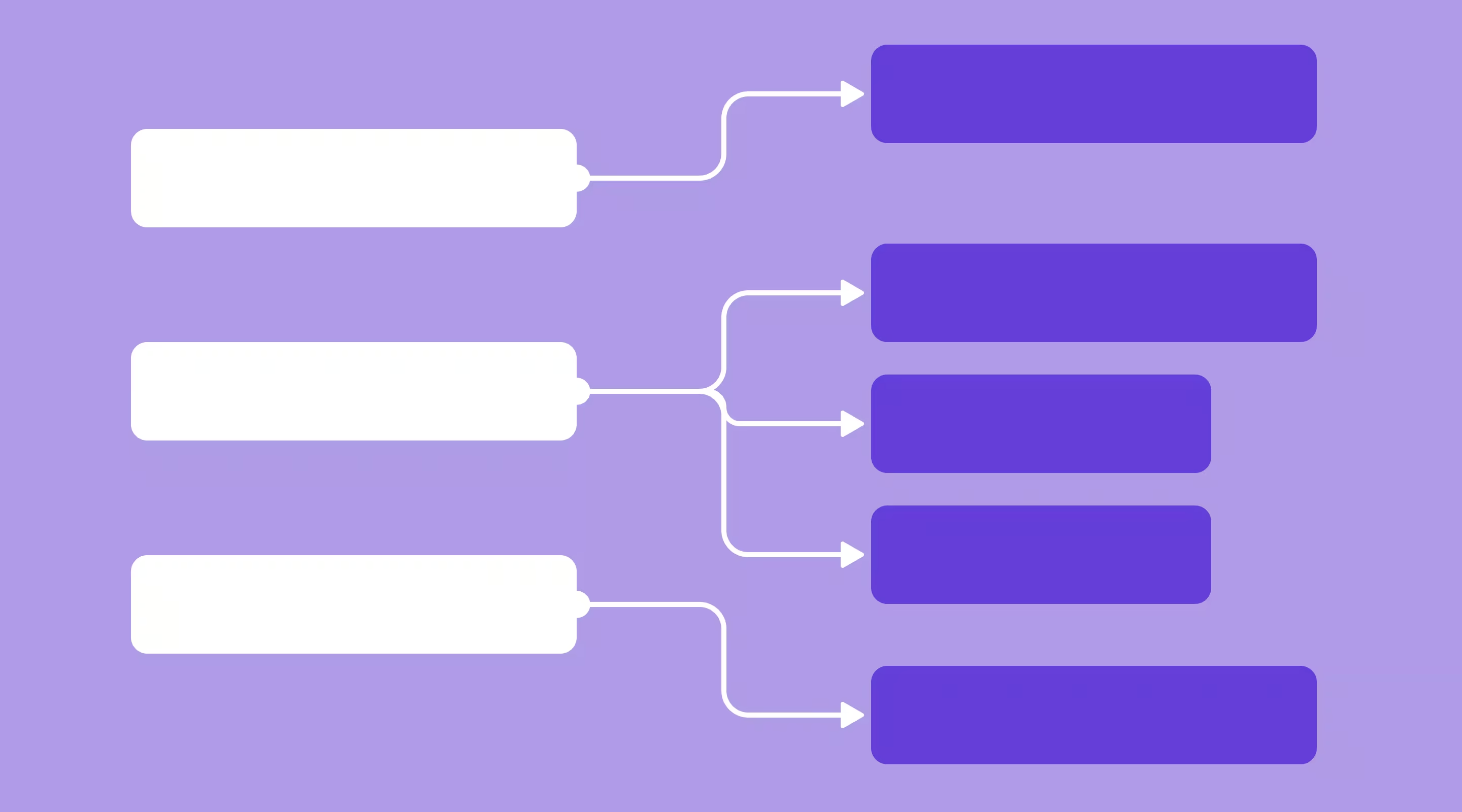
A thorough audit is the foundation of every successful migration. Before a single page is rebuilt, you need to document:
- Every URL currently indexed by Google
- Your top-performing pages by traffic and conversion
- All existing backlinks and their destination URLs
- Forms, scripts, third-party integrations, and tracking codes
- Baseline analytics: traffic, bounce rate, conversion rate, Core Web Vitals
This audit becomes your migration bible. Every decision — from URL structure to redirect mapping — flows from what you discover here.
Step 2: Plan Your Information Architecture and URL Strategy
One of the most common migration mistakes is changing URL structures without proper redirect planning. Even a well-executed design migration can cause significant SEO damage if your URLs change and redirects are not in place.
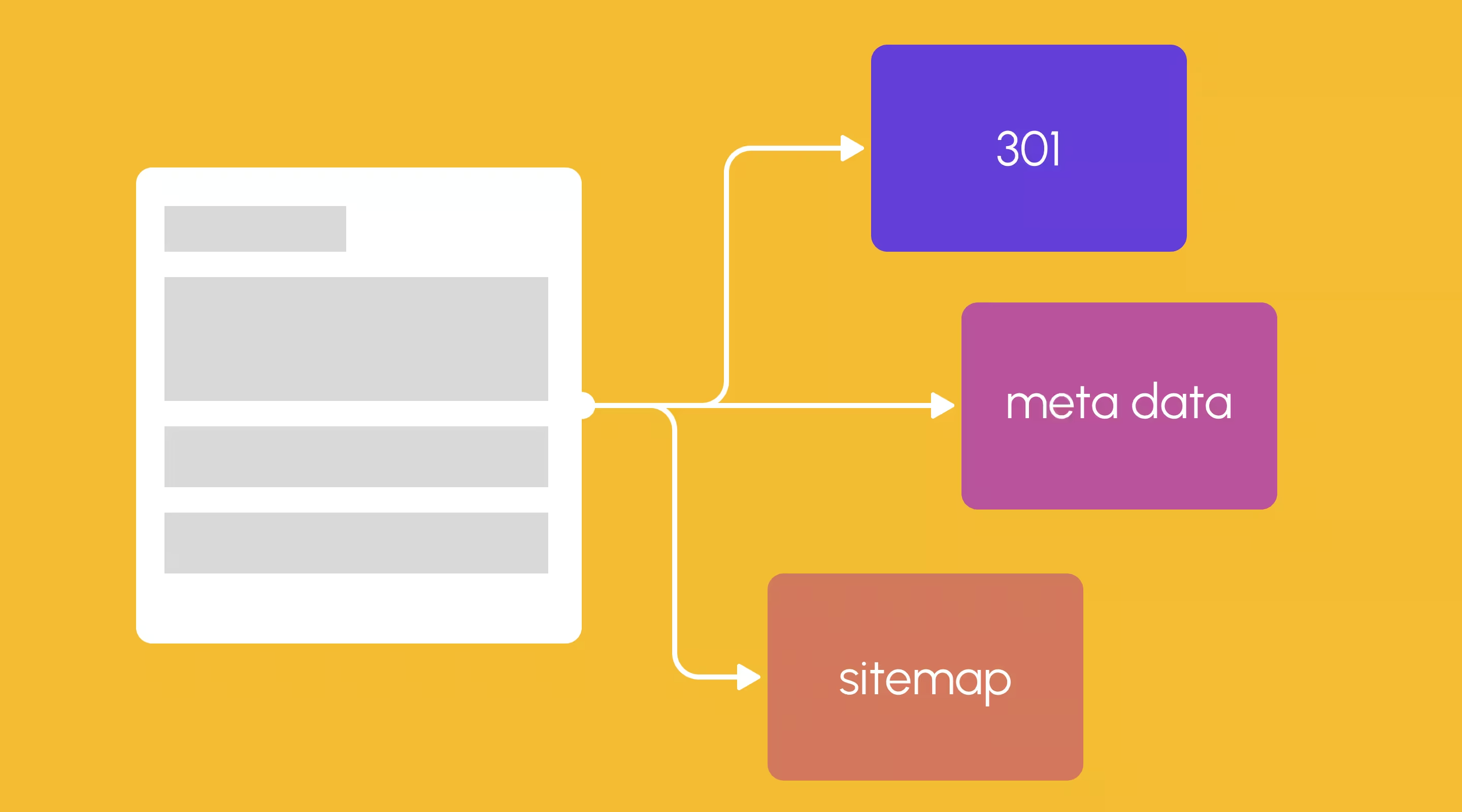
Where possible, preserve existing URLs. Where restructuring is necessary, plan your 301 redirect map in full before development begins. Every legacy URL should map to a live Webflow URL. No exceptions.
Step 3: Rebuild in Webflow
This is where the actual development work takes place. For most migrations, this involves:
- Rebuilding page templates and global components in Webflow's Designer
- Recreating CMS collections for blogs, case studies, events, or other structured content
- Translating Figma designs into pixel-perfect Webflow builds (read more about our Figma to Webflow service)
- Configuring Webflow CMS collections and content schemas
- Integrating forms, analytics, and third-party tools (see our guide to apps you can integrate with Webflow)
If your team is new to the platform, our article on 5 key things to do before building in Webflow is a helpful primer.
Step 4: Migrate and QA Your Content
Content migration should never be a bulk import exercise. Each piece of content — especially high-value pages — deserves manual review. Check:
- Meta titles and descriptions are accurate and within character limits
- Heading structure is correct (H1, H2, H3 hierarchy preserved)
- Images have appropriate alt text
- Internal links are updated to point to live Webflow URLs
- Forms are connected and tested end-to-end
Step 5: Implement and Verify Redirects
Your 301 redirect map, built during Step 2, is now implemented in Webflow's redirect manager. Once implemented, verify every redirect using a crawl tool such as Screaming Frog or Ahrefs. A missed redirect is a lost backlink and a potential traffic drop.
Step 6: Launch During a Low-Traffic Window
Plan your DNS cutover for a Tuesday, Wednesday, or Thursday — preferably during off-peak hours. Avoid Fridays and weekends when your team is less available to respond to issues. Notify stakeholders in advance, prepare a rollback plan, and monitor analytics closely for the first 72 hours post-launch.
Step 7: Post-Launch Monitoring and Optimisation
A successful migration is not the end of the process — it is the beginning. In the first four weeks after launch:
- Submit your new sitemap to Google Search Console
- Monitor crawl errors, index coverage, and Core Web Vitals
- Check rankings for your top 20 keywords weekly
- Review analytics for any unexpected traffic drops on key pages
Once the site is stable, you can begin maintaining your Webflow website as an ongoing practice rather than a reactive task.
Protecting Your SEO During a Website Migration
SEO risk is the primary concern business owners raise when considering a migration. It is a legitimate concern — but one that is entirely manageable with the right approach.
The most common causes of post-migration SEO drops are:
- Changed URLs without 301 redirects in place
- Missing or incorrectly replicated meta titles and descriptions
- Loss of internal linking structure
- Broken canonical tags
- Delayed sitemap resubmission to Google Search Console
Webflow's built-in SEO tools make it straightforward to address all of these. The platform provides per-page meta control, a globally customisable sitemap, clean canonical tags, and a redirect manager — all accessible without touching code.
For businesses in Singapore, there is also the added benefit of Webflow's global CDN, which ensures fast load times for local users — a factor Google increasingly weights in its ranking decisions. Our guide on how Webflow for SEO is winning over marketers in the AI era covers the deeper technical and strategic SEO advantages.
Real Businesses, Real Results: Webflow Migration Case Studies
Partipost: Faster, Scalable, and Marketer-Led
Partipost, one of South-East Asia's leading influencer marketing platforms, was operating on a platform that required constant developer involvement for even minor content updates. Their page load times were impacting both search performance and user experience.
After migrating to Webflow with ALF Design Group, the results were measurable:
- 30% reduction in page load times
- Zero plugin dependencies
- Internal marketing teams across South-East Asia managing content confidently and independently
MusePlus: Rebuilding After a Security Breach
MusePlus, a youth-focused community platform, faced a serious security incident on their previous self-hosted infrastructure. The breach exposed the risks of plugin-dependent platforms and the operational cost of managing security patches.
Their migration to Webflow eliminated the attack surface entirely. The result was a faster, mobile-first website with a youth-appropriate UX, SEO-ready content architecture, and a hosting environment that required no ongoing security management.
For a detailed walkthrough of what excellent Webflow design looks like in practice, see our showcase of visually stunning websites built in Webflow.
Common Migration Challenges (and How to Avoid Them)
Challenge 1: SEO Volatility
Solution: Build your redirect map before development begins, not after. Validate every redirect post-launch using a crawl tool. Do not change more URL structures than necessary.
Challenge 2: Content Loss or Corruption
Solution: Never rely on automated bulk imports for content migration. High-value pages should be manually rebuilt and reviewed. Use your audit document as a QA checklist.
Challenge 3: Recreating Complex Functionality
Solution: Map all existing functionality in your pre-migration audit. Some features — such as complex membership areas or server-side logic — may require third-party integrations or custom code embeds within Webflow. Identify these early, not mid-build.
Challenge 4: Team Adoption
Solution: Webflow's CMS is significantly more intuitive than most legacy platforms, but adoption still benefits from structured onboarding. Plan a training session for your content team as part of the migration project, and document your site's content workflows clearly.
Website Migration for Singapore Businesses: What to Know
Singapore businesses face a specific set of digital challenges that make Webflow a particularly compelling choice. The market is competitive, multilingual in some contexts, and operates across a sophisticated digital landscape where performance expectations are high.
Webflow's infrastructure offers several advantages for Singapore-based companies:
- Global CDN with regional edge nodes ensures fast load times for Singapore and South-East Asian audiences
- Built-in HTTPS and enterprise-grade security align with the Personal Data Protection Act (PDPA) requirements for secure data handling
- The visual editor is accessible to Singapore-based marketing teams without requiring developer overhead for day-to-day updates
- Localisation capabilities support multilingual content where needed (see our guide on how to create effective website localisation)
For SMEs in Singapore evaluating platform costs, our guide to is Webflow worth it? provides a frank cost-benefit analysis alongside a breakdown of Webflow's pricing structure.
Frequently Asked Questions
How long does a website migration to Webflow take?
The timeline depends on the size and complexity of your existing website. A straightforward small business site of five to ten pages typically takes two to four weeks. A larger site with a blog, CMS collections, and multiple integrations will typically take six to twelve weeks from audit to launch.
Will my SEO rankings drop after migrating to Webflow?
Not if the migration is handled correctly. Temporary ranking fluctuations of one to two weeks are normal as Google re-crawls and re-indexes your site. Provided your redirects are in place, meta data is preserved, and your sitemap is resubmitted, your rankings should stabilise and typically improve over the following months due to Webflow's performance advantages.
Can I migrate from WordPress to Webflow?
Yes, and it is one of the most common migration scenarios we handle. WordPress to Webflow migrations typically involve rebuilding page templates, migrating blog posts into Webflow CMS, and implementing 301 redirects from all legacy URLs. Our Webflow vs WordPress comparison covers the key differences in detail.
Do I need a Webflow agency to migrate my website?
For straightforward five-page brochure sites, a confident web designer can manage the migration independently. However, for sites with established SEO value, complex CMS structures, or multiple integrations, working with an experienced Webflow agency significantly reduces the risk of costly mistakes. The investment in expert guidance typically pays for itself many times over.
What happens to my forms and integrations during migration?
Webflow supports native forms with email notifications, as well as integrations with tools like HubSpot, Zapier, Mailchimp, and many others. Each integration should be mapped during the pre-migration audit and rebuilt or connected during development. Our article on apps you can integrate with Webflow provides a useful overview.
How do I maintain my Webflow website after launch?
Webflow's CMS makes ongoing content management significantly easier than most legacy platforms. For technical maintenance — performance monitoring, security reviews, CMS updates, and ongoing SEO — our website maintenance service is designed specifically for Webflow sites.
Ready to Make the Move?
A website migration to Webflow is one of the highest-leverage digital investments a business can make. When executed properly, it delivers faster performance, stronger SEO foundations, reduced operational friction, and a platform that genuinely empowers your team to move at the speed of modern business.
The businesses that move decisively tend to see the strongest results. Those that delay typically find themselves managing the same problems — the same plugin conflicts, the same developer bottlenecks, the same underperforming pages — for another year or two before making the switch anyway.
If you are seriously considering migrating your website to Webflow, start with a conversation. ALF Design Group is a Webflow agency based in Singapore, and we have guided businesses of all sizes through migrations that preserve SEO, elevate design, and set them up for long-term growth. We would be glad to help you do the same.
{{build-better-experience="/directory"}}
Categories
Written By
.webp)
Resources
Related Articles
Deep dive into our latest news and insights.