
Top UX Signals That Influence AI Search Rankings
Which UX signals does Google confirm, and which are only guesses? See nine signals, from Core Web Vitals to accessibility, and how to prioritise them.
Table of contents
Free Website Audit
We'll personally review your website across 6 areas. UX, SEO, performance, mobile, conversion, and send you a detailed, actionable report within 48 hours. No cost. No catch.
UX signals are parts of your website experience that can affect how you show up in search and AI answers. Some are confirmed by Google, such as Core Web Vitals, mobile-first indexing and HTTPS. Others, such as dwell time and microinteractions, are unproven as ranking factors. This guide sorts nine signals by the evidence, so you know what to fix first.
Why Do UX Signals Matter for Search and AI Visibility?
A good experience helps people, and it supports the signals that Google does use. Google says there are no special requirements for appearing in its AI features. Pages need to be indexed and snippet-eligible, and normal SEO practice applies, according to its AI features guidance. So AI visibility mostly follows from ordinary search quality.
I could not find evidence that AI search tools score pages on UX directly. What the evidence does support is narrower. Google weighs page experience inside its core ranking systems. Relevance still comes first, as Search Engine Journal summarises. Fix UX because users benefit, and treat any ranking gain as a bonus.
Which UX Signals Does Google Confirm?
Four signals have clear support in Google's own guidance or documentation. They are Core Web Vitals, mobile experience, security and stable hosting, and clear content that matches search intent. Start here, because the evidence is strongest and the fixes are well defined.
1. Core Web Vitals
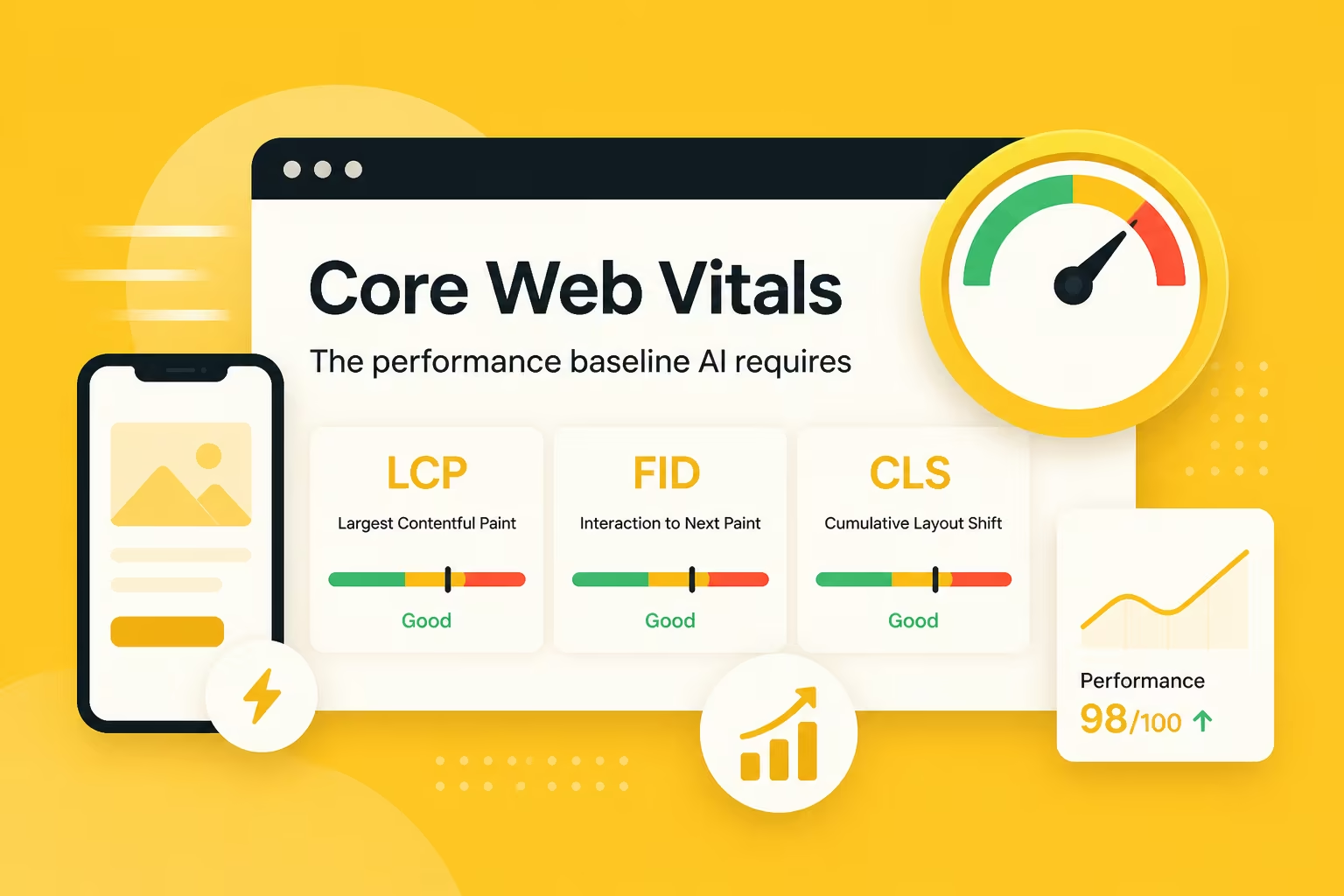
Core Web Vitals measure loading, responsiveness and visual stability. Largest Contentful Paint (LCP) should be under 2.5 seconds. Interaction to Next Paint (INP) should be under 200 milliseconds. Cumulative Layout Shift (CLS) should stay under 0.1. See Google's Core Web Vitals documentation for the current thresholds.
INP replaced First Input Delay (FID) in March 2024, so reports that still mention FID are out of date. Google has said these metrics feed into ranking, but a faster page will not beat a more relevant one. Our guide to improving website speed shows where to start.
2. Mobile Experience
Google uses the mobile version of your pages for indexing and ranking. So a page that works on desktop but fails on a phone can lose out. Check your own analytics for your mobile share instead of relying on a general figure. Then test your key pages on a real phone.
- Layout: no horizontal scrolling at a 375px screen width.
- Tap targets: at least 44 by 44 pixels, so fingers can hit them.
- Text: body text of at least 16px, so nobody needs to zoom.
- Actions: contact and enquiry buttons reachable without deep scrolling.
3. Security and Stable Hosting
Serve every page over HTTPS. Google has treated HTTPS as a lightweight ranking signal for years, and browsers warn visitors about insecure pages. Also keep your server response fast. As a guide, aim for a Time to First Byte under about 0.8 seconds. Slow servers hold back every other loading metric.
Check Search Console regularly for crawl errors and security issues. They tell you when Google cannot reach or trust your pages. I would not quote uptime percentages for any host, so test your own site over time. A monitoring tool will alert you when pages go down.
4. Clear Content That Matches Intent
Google asks for helpful, people-first content that gives a satisfying answer. Its helpful content guidance is the best UX brief for writers. Use a clear heading structure, short paragraphs and direct answers near the top. Cover the follow-up questions too, as we explain in our guide to semantic SEO.
Which UX Signals Help Indirectly?
The next five signals are good practice, but Google has not confirmed them as ranking factors. They help through better usability, clearer pages and stronger brand signals. Use them as quality checks. Do not chase them as if they were ranking levers.
5. Accessibility
I found no confirmation that accessibility is a ranking factor. It still matters, because the same work makes pages easier for people and machines to read. Use semantic headings and descriptive alt text. Make menus and forms work by keyboard. Keep text contrast at 4.5 to 1 or better, the WCAG AA level. Our guide to improving website accessibility has practical steps.
6. Engagement Metrics
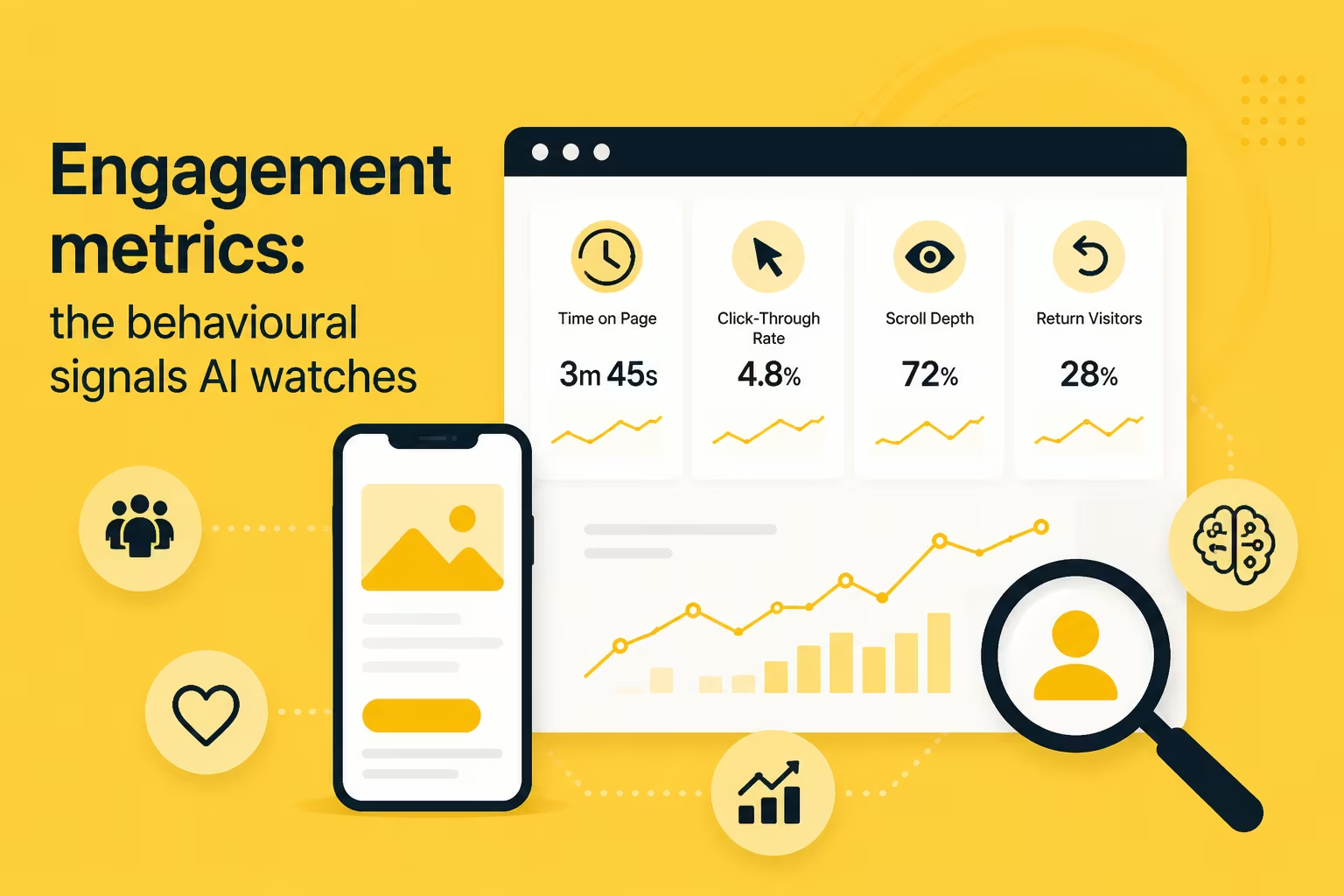
Dwell time, scroll depth and pogo-sticking are popular ideas. Google has not confirmed them as ranking factors, so I treat them as diagnostics. In GA4 or a heatmap tool, they show where readers lose interest. A page with high impressions and quick exits probably does not match its search intent, so fix the content.
7. Microinteractions
Microinteractions are small cues such as button states, form validation and loading indicators. Their link to search is indirect. Slow or laggy interactions can hurt INP. Use CSS transitions where you can, keep scripts light, and give every button visible hover, focus and active states. Our post on microinteractions in UX design covers the design side.
8. Brand and Entity Consistency
Search and AI tools build a picture of your business from many places. Keep your business name, address, phone number and description consistent across your site, Google Business Profile and directories. Add Organization schema to your homepage, and show named authors on articles. This helps machines connect the dots, but it does not guarantee a mention. See entity-based SEO and our schema markup guide.
9. Feedback Loops
Sites decline when nobody reviews them. Set a regular review, for example every quarter, using Search Console, GA4 and a heatmap tool. Look for pages with high traffic and weak engagement, and fix those first. Our guide to conducting a usability audit gives a structured method. Pair it with your monthly SEO maintenance checklist.
How Do the Nine UX Signals Compare?
This table shows how strong the evidence is for each signal and what to check. Use it to decide where to spend your time. Signals backed by Google guidance come first, and the others work best as quality checks.
How Do UX Signals Connect to AEO?
Answer engine optimisation (AEO) is about making your content easy to find and quote. UX supports it through clear headings, direct answers and a fast, readable page. Poor UX does not guarantee you will be excluded, but a confusing page is harder to quote. Read what AEO is and how to appear in AI-generated search results for the next step.
What Should You Fix First?
Work through the signals in order of evidence. You do not need to tackle all nine at once. Start with the fixes below, then repeat the review every quarter as your site and your audience change.
- Check Core Web Vitals in Search Console and fix the slowest important pages.
- Test your top pages on a real phone and fix layout, tap target and text issues.
- Confirm HTTPS everywhere and clear any crawl or security errors.
- Rewrite key pages so each opens with a direct answer to its main question.
- Review accessibility and engagement data, then plan fixes with our UX and UI design service or your own team.
Frequently Asked Questions
What signals indicate a poor mobile experience?
Common signs are horizontal scrolling, tiny text, crowded buttons, slow loading on mobile data and pop-ups that cover the page. In analytics, look for high exit rates and weak conversions on mobile compared with desktop. Search Console's Core Web Vitals report also flags slow or unstable mobile pages.
Does a consistent tone of voice help AI search ranking?
There is no evidence that tone of voice affects rankings directly. A consistent voice does help readers recognise and trust your brand, and that supports clearer entity signals over time. Keep your wording, services and business details consistent across your site and profiles, and avoid contradicting yourself between pages.
How do I improve website clarity and authority for AI search?
Make each page answer one question clearly, with a plain heading and a direct opening. Show who wrote it and why they are qualified. Cite credible sources and keep facts current. Authority also comes from outside your site, such as reviews and mentions, so earn those over time.
How do I track whether UX changes improved my rankings?
Record a baseline first. Note impressions, average position, clicks and Core Web Vitals for the page. Make the change, wait a few weeks for Google to recrawl it, and compare like for like. Change one thing at a time where you can, so you know what caused any movement.
Where should a small business start with UX signals?
Start with mobile and speed, because many visitors arrive on a phone and slow pages lose them quickly. Then fix your highest-traffic pages, since improvements there matter most. Leave advanced items such as microinteractions until the basics are solid. A small, steady review beats a big redesign you cannot maintain.
Conclusion
UX is not a secret ranking trick, and AI tools do not rank pixels. What helps is steady, evidence-based work. Fix the signals Google confirms first, then use the others as quality checks. Keep the page clear, fast and trustworthy for the person reading it. That is also what Google asks for.
Pick one important page this week and test it on your phone. Check its Core Web Vitals and its opening paragraph, then fix the biggest gap. For the wider picture, read how to build a website that ranks and converts.
{{build-better-experience="/directory"}}
Categories
Written By

Resources
Related Articles
Deep dive into our latest news and insights.