How to Design a Website: A Step-by-Step Process That Actually Works
A practical, step-by-step guide to designing a website in 2026 — from goal-setting and UX research to Webflow build and post-launch optimisation.
Table of contents
Free Website Audit
We'll personally review your website across 6 areas. UX, SEO, performance, mobile, conversion, and send you a detailed, actionable report within 48 hours. No cost. No catch.
Designing a website in 2026 is a structured process, not a visual exercise — it moves from defining goals and conducting UX research, through wireframing and high-fidelity design in Figma, to building in Webflow and launching, then continues with ongoing optimisation for performance and conversions. Skipping any of these stages, especially the strategic ones at the start, is the most common reason a polished-looking website still fails to generate leads or build trust. The process matters more than the budget: a well-resourced small team following the right sequence can outperform a larger one that jumps straight to visual design.
Most websites that underperform were not built badly. They were designed without a process.
The visual design is polished. The developer did a clean job. But somewhere between the initial brief and the launch, the fundamental questions were never properly answered: Who is this website actually for? What do we want them to do? How will we know if it is working?
The result is a website that looks the part but quietly fails at its actual job — generating leads, building trust, or converting visitors into customers.
Designing a website well in 2026 requires a process that is strategic before it is visual. This guide breaks down every step, in the order that matters, with the tools and decisions that belong at each stage.
Why a Website Design Process Matters More Than Ever
The bar has risen significantly. Users — particularly in Singapore, where digital expectations are shaped by world-class apps and platforms — make trust judgements within a few seconds of landing on a page. A slow load, a confusing navigation, or a layout that feels awkward on mobile is enough to lose them permanently.
At the same time, the tools available to designers have become dramatically more powerful. Figma's AI features, Webflow's visual development environment, and a growing stack of UX research tools mean that a well-resourced small team can produce work that competes with enterprise agencies — if they follow the right process.
The process is the differentiator. Not the budget.
Step 1: Define Your Goals and Success Metrics Before Anything Else
The Most Skipped Step in Web Design
The single most common reason websites underperform is that the brief started with aesthetics instead of outcomes. "We want something modern and clean" is not a goal. "We want to increase qualified enquiry submissions by 30% in six months" is.
Before a single wireframe is drawn, you need clear answers to these questions:
- What is the primary business objective of this website? Lead generation, e-commerce, brand credibility, content publishing, or a combination?
- Who is the target user? Not a vague demographic — a specific type of person with a specific need, arriving from a specific context.
- What do you want users to do? Every page should have a primary action. Know what it is before you design it.
- How will you measure success? Define your KPIs upfront: conversion rate, bounce rate, average session duration, form submissions, revenue per visitor.
Tools for Goal Alignment
- Notion or FigJam for collaborative goal mapping with stakeholders
- Google Analytics 4 to establish baseline metrics from an existing site
- Hotjar or Microsoft Clarity if you have an existing site with behavioural data to learn from
A Note on Singapore Businesses Specifically
Many Singapore SMEs skip this step because it feels slow. The pressure to "just get the website live" is real — particularly for startups pitching investors or businesses responding to competitive pressure. Resist it. An extra week of clarity at the start saves months of redesign later.
If you are working with an agency, this step should look like a structured discovery session or UX workshop — not a one-page brief submitted via email.
Step 2: Conduct UX Research and Competitor Analysis
Design Without Research Is Guesswork
UX research sounds expensive and time-consuming. In practice, even a lightweight research phase significantly improves design decisions — because it replaces assumptions with evidence.
For the full methodology behind this phase — discovery, research, user flows, information architecture, wireframing, prototyping, and testing — see our dedicated guide on the UX design process.
Depending on your project scope, your research phase might include:
User interviews
Five to eight conversations with people who represent your target audience. You are not asking them what they want the website to look like. You are understanding their context, their frustrations with existing solutions, their decision-making process, and the language they use to describe their problem.
Heatmaps and session recordings
If you have an existing website, tools like Hotjar or Microsoft Clarity show you exactly where users click, where they scroll to, and where they drop off. This data is gold for a redesign brief.
Analytics review
Pull three to six months of data from Google Analytics 4. Which pages get the most traffic? Which have the highest bounce rates? Where does traffic come from? What do users search for within the site? These patterns reveal where the current site is failing.
UX surveys
Short, targeted surveys (four to six questions maximum) sent to existing users or customers. The question "What almost stopped you from contacting us?" consistently produces insights that no amount of internal discussion surfaces.
Competitor Analysis
Identify three to five competitors — direct and indirect — and audit their websites systematically:
- What is their primary CTA and where does it appear?
- How do they structure their navigation?
- What trust signals do they use (testimonials, case studies, certifications)?
- How do they handle mobile?
- What do their Google reviews and public feedback say about their strengths and weaknesses?
You are not looking for a website to copy. You are identifying the patterns that work in your category and the gaps your website can exploit.
For industry-specific context, read our breakdown of how we designed BigFundr's fintech website — the research phase shaped almost every structural decision in that project.
Deliverables from This Stage
- User personas (two to three, with specific goals and frustrations)
- User journey maps for your primary conversion path
- A documented list of competitor patterns and differentiation opportunities
- A summary of research findings to brief the design team
Step 3: Define Your Information Architecture and Site Structure
This step is frequently skipped or merged into wireframing, which is a mistake. Information architecture (IA) is the structural logic of your website — and getting it right before you start drawing pages saves considerable rework.
What Information Architecture Covers
- Sitemap: Every page, how they relate to each other, and how users navigate between them
- Content hierarchy: What information belongs on which page, in what order, and at what level of detail
- Navigation structure: Primary nav, secondary nav, footer links — and how they guide users toward conversion points
- URL structure: Consistent, logical, SEO-friendly URL patterns established before build
Practical Tools
- Octopus.do — purpose-built for sitemap planning, visual and collaborative
- FigJam — good for looser, workshop-style IA mapping with stakeholders
- Whimsical — clean, fast diagramming for sitemaps and user flows
The SEO Dimension
Your site structure is also your SEO architecture. The way you group pages, the internal linking patterns you create, and the URL hierarchy you establish all feed directly into how search engines understand the relationships between your content. A well-planned IA makes on-page SEO significantly easier to execute later.
For a deeper look at how site structure supports search visibility, see our guide on keyword research as the backbone of modern SEO.
Step 4: Build Wireframes — Low-Fidelity First
Why Low-Fidelity Matters
Wireframes are the structural blueprint of your website before any visual design decisions are made. The mistake most teams make is jumping into high-fidelity design too early — which means expensive revisions when structural problems are discovered later.
Low-fidelity wireframes (simple boxes, placeholders, basic layout grids) let you:
- Test the logic of your page structure quickly
- Get stakeholder feedback on layout without visual design distracting the conversation
- Identify content gaps before they become a developer problem
- Explore multiple structural approaches cheaply and quickly
What to Wireframe First
Prioritise the pages that carry the most weight in your conversion funnel:
- Homepage — your most trafficked entry point and the page doing the most trust-building work
- Primary service or product pages — where users evaluate your offer against alternatives
- Contact or enquiry page — where conversion happens
- Key landing pages — if you run paid traffic, these deserve their own wireframe treatment
AI-Assisted Wireframing in 2026
Tools like Relume have become genuinely useful for accelerating the early wireframing phase. You describe the page type and purpose, and Relume generates a structural layout built from common UX patterns. This is not a replacement for UX thinking — but it is a fast starting point that a designer can refine rather than build from a blank canvas.
Figma's AI features similarly support rapid layout generation and component suggestions that speed up the transition from wireframe to design.
Best practice: Always test low-fidelity wireframes with two to three stakeholders before proceeding to high-fidelity. The feedback at this stage is cheap to act on. The same feedback at the Figma mockup stage is expensive.
Step 5: Create High-Fidelity Mockups in Figma
Where Design Comes Alive
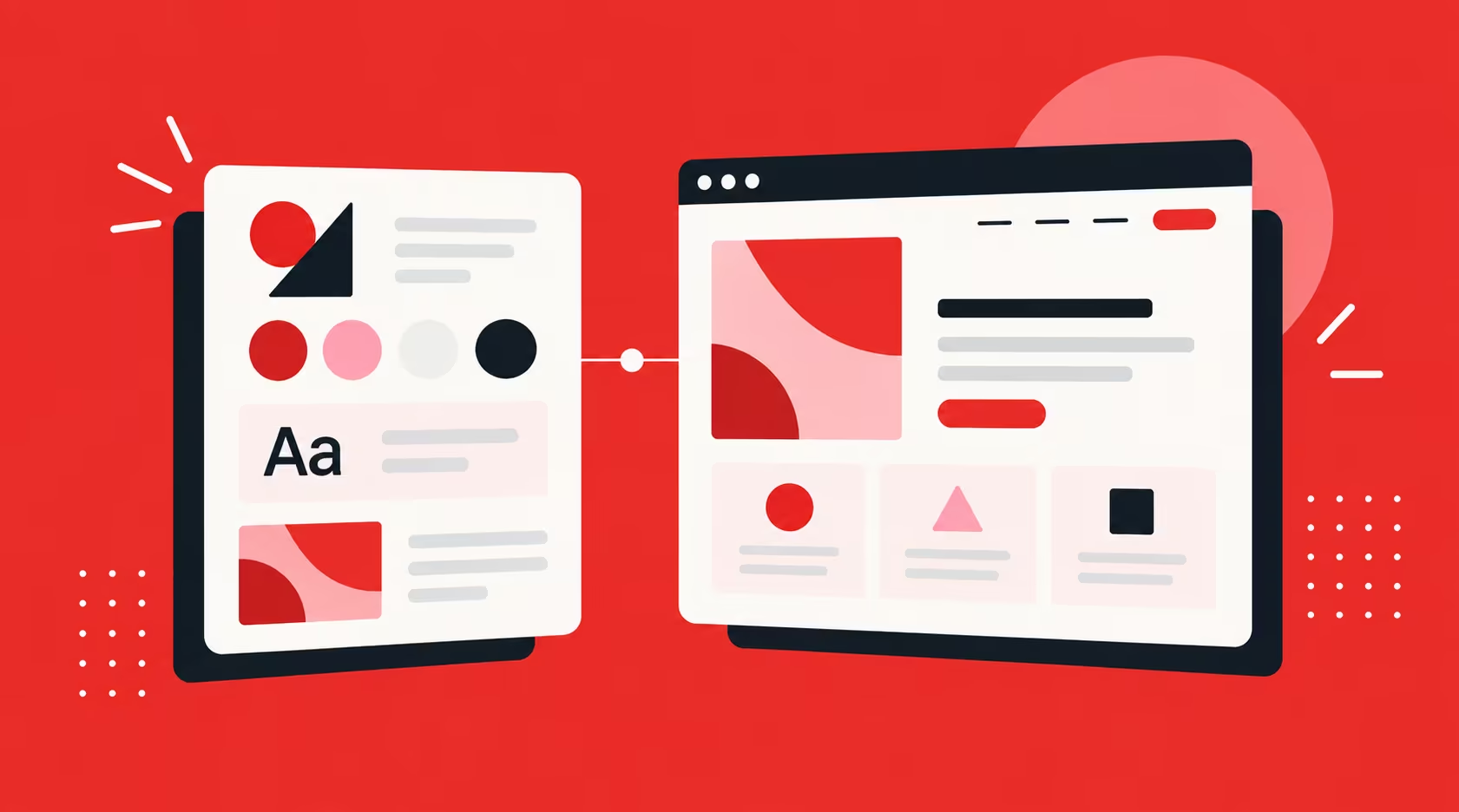
High-fidelity mockups in Figma are where your wireframe structure meets your brand identity. This is the stage where typography, colour, spacing, imagery, iconography, and interaction patterns are all established — and where the client sees, for the first time, what their website will actually look like.
What to Include in Your Figma File
- Design system: Colours, typography scale, spacing units, and component library established before page design begins — not built retroactively
- Desktop and mobile breakpoints: Every key page designed at both breakpoints, not assumed to "just work" on mobile
- Interactive prototype: Linked frames in Figma so stakeholders can click through the key user journey, not just view static screens
- Annotations: Notes on intended animations, hover states, form behaviour, and responsiveness for the developer (or your Webflow build)
- Component documentation: Buttons, cards, navigation, and form elements documented clearly so they can be built as reusable components in Webflow
Typography and Visual Hierarchy
Typography is one of the most underinvested areas in web design briefs. Poor font choices, inconsistent sizing scales, and inadequate line-height all degrade readability and perceived quality — particularly on mobile.
For guidance on choosing typefaces that work across devices and contexts, see our guide on why typography matters for your website. For specific typeface picks and pairing ideas, our roundup of the best Google Fonts for 2026 is a good next stop.
The Client Review Process
High-fidelity mockups are where client feedback sessions can either accelerate or derail a project. A few things that help:
- Present mockups as an interactive prototype, not a PDF
- Walk the client through the design as a user journey — not a design critique
- Establish a clear feedback process: written comments in Figma, consolidated by one stakeholder, reviewed in a single session
- Set a revision limit in your scope of work before the engagement begins
Step 6: Build the Website in Webflow
Why Webflow Remains the Right Choice
Once the Figma mockups are approved, the build phase begins. For professional web builds in Singapore in 2026, Webflow remains the clear choice for the vast majority of business websites — and the reasons are well established:
- Pixel-accurate translation from Figma: What you design is what gets built, without the interpretation layer that traditional developer handoffs introduce
- Clean, semantic HTML output: No plugin bloat, no legacy code conflicts — just well-structured markup that search engines can read efficiently
- CMS flexibility: Content is structured, manageable, and editable by non-technical team members from day one
- Native SEO controls: Meta titles, descriptions, canonical tags, alt text, 301 redirects, and schema markup all managed within the platform
- Built-in performance: Global CDN via Cloudflare, automatic image compression, lazy loading, and minified code out of the box
- Real-time collaboration: Multiple team members can now work simultaneously on a Webflow site — a significant improvement for agency-client workflows
The Figma-to-Webflow Workflow
The translation from Figma to Webflow is now more efficient than it has ever been. Webflow's Figma plugin allows designers to export selected frames and components directly into the Webflow canvas — reducing manual rebuild time significantly.
For complex projects, this is how we approach the build sequence at ALF:
- Establish the design system in Webflow first (colours, typography, spacing classes, global components)
- Build and test the homepage to full responsiveness before touching other pages
- Build CMS collections and templates before populating content
- Build remaining pages using established components and class structures
- QA across devices (real devices, not just browser emulators) before client review
- Conduct a pre-launch technical SEO check — sitemaps, meta data, redirects, schema
For a detailed look at what this costs and how projects are scoped, see our breakdown of website design pricing in Singapore.
Step 7: Pre-Launch SEO and Technical Hygiene
Launching a website without completing this step is one of the most common and costly mistakes we see. SEO problems discovered after launch are harder to fix — some, like poor URL structures or missing redirects, cause ranking damage that takes months to recover from.
Pre-Launch SEO Checklist
- Meta titles and descriptions written and reviewed for every page — not left as CMS field defaults
- H1 tags confirmed as unique and keyword-relevant on every page
- Image alt text completed on all meaningful images
- XML sitemap generated and submitted to Google Search Console
- Robots.txt configured correctly — no important pages accidentally blocked
- 301 redirects mapped and implemented for any URLs that have changed from the previous site
- Canonical tags set correctly, particularly if you have similar content across multiple pages
- Schema markup implemented for key page types (LocalBusiness, Service, BlogPosting, FAQPage)
- Google Analytics 4 and Search Console connected and verified before launch
- Core Web Vitals tested on mobile and desktop via PageSpeed Insights — LCP, CLS, and INP should pass before you go live
For a complete walkthrough of what structured data implementation looks like and why it matters, see our guide on what structured data is and why it matters for SEO.
Step 8: Launch, Then Optimise for Conversions
Launch Is the Starting Line, Not the Finish Line
The most dangerous misconception in web design is that launch is the end of the process. It is the beginning of the performance phase — the point at which real users interact with the site and real data starts flowing.
In the first week post-launch, monitor:
- Whether Google is crawling and indexing your pages (via Search Console's Coverage report)
- Any 404 errors or crawl issues that were not caught in pre-launch QA
- Core Web Vitals scores in real-user data (which differ from lab scores)
- Initial user behaviour patterns via heatmaps and session recordings
Conversion Rate Optimisation (CRO) From Month One
Once the site has collected meaningful data — typically two to four weeks of traffic — begin a structured CRO review:
- CTA placement and copy: Are your primary calls to action visible without scrolling? Is the copy specific and benefit-led, or generic?
- Form UX: Every additional field in a contact form reduces completion rate. Is your form asking for more information than it needs at this stage?
- Mobile tap targets: Buttons and links should be large enough to tap comfortably. Small tap targets on mobile are a significant friction point.
- Page load speed on mobile: Test on a real mid-range device on a 4G connection, not just a high-spec machine on Wi-Fi.
- Trust signals: Testimonials, case studies, logos, certifications — are they visible early in the page, or buried at the bottom?
Tools for Post-Launch Optimisation
- Webflow Optimize — native A/B testing and personalisation, now with AI-assisted copy variant generation
- Microsoft Clarity — free session recording and heatmaps
- Google Search Console — keyword performance, crawl health, Core Web Vitals
- Hotjar — deeper funnel analytics and user feedback collection
Step 9: Plan for Ongoing Iteration
Design Is Never Finished
A website designed and launched in 2026 will need updating in 2027. User expectations shift. Algorithms change. Business priorities evolve. The brands with the best-performing websites in Singapore are not those with the biggest launch budgets — they are the ones treating their website as a living asset that receives regular attention.
A sustainable post-launch rhythm looks like this:
- Weekly: Check Search Console for crawl errors, ranking changes, and new keyword opportunities
- Monthly: Review Analytics for traffic trends, conversion rate movement, and top/bottom performing pages
- Quarterly: Run a UX audit — heatmaps, session recordings, form completion rates — and prioritise improvements
- Annually: Conduct a full SEO and content audit; evaluate whether the site architecture still serves your current business goals
If you do not have an in-house team to manage this, our website maintenance packages are built for exactly this purpose — combining technical upkeep with regular SEO monitoring and performance reviews.
Frequently Asked Questions About Designing a Website
How long does it take to design and build a website?
For a professional business website of eight to twelve pages, the typical timeline from discovery to launch is eight to twelve weeks. This includes one to two weeks for UX research and strategy, two to three weeks for wireframing and Figma mockups, three to four weeks for the Webflow build, and one week for QA and pre-launch preparation. Timelines extend for larger or more complex projects. Rushing any stage — particularly research and wireframing — consistently leads to more expensive revisions later.
Do I need to hire a web design agency or can I build it myself?
Webflow and similar no-code platforms have made self-builds more viable than they were five years ago. If you have design skills, time, and a relatively straightforward site structure, a self-build is achievable. For businesses where the website is a primary revenue-generating or lead-generation channel — which describes most Singapore SMEs and professional services firms — the return on professional design and UX strategy consistently justifies the agency investment.
What is the difference between web design and web development?
Web design covers the visual, experiential, and structural decisions — how the site looks, how it feels to use, and how users navigate through it. Web development covers the technical implementation — writing code, configuring servers, and building the backend logic. On platforms like Webflow, these two roles increasingly overlap, which is one reason agencies specialising in Webflow can often deliver faster and at lower cost than traditional design-plus-development engagements.
How much does it cost to design a website in Singapore?
This varies significantly depending on scope, complexity, and the agency you work with. For a detailed breakdown of what different price points include and what to expect at each level, see our guide on website design pricing in Singapore.
What makes a website design successful?
A successful website achieves its stated business objectives — whether that is generating qualified enquiries, reducing support load, building brand credibility, or driving e-commerce revenue. Visual quality matters, but it is a means to an end. The websites that perform best are those designed around a clear understanding of the user, built on a technically solid foundation, and actively managed and improved after launch.
How important is mobile design in Singapore?
Critical. Mobile sessions account for the majority of web traffic across most Singapore business website categories, and Google indexes your mobile experience first. Every design decision should be validated on real mobile devices, not scaled down from a desktop layout. If a page element does not work well on a 6-inch screen, it does not work.
Conclusion: A Process Worth Following
The steps in this guide are not theoretical. They reflect the process we follow at ALF Design Group on every project — from early-stage startups building their first website to established Singapore businesses redesigning for a new phase of growth.
The businesses that get the most from their websites are not the ones with the largest budgets. They are the ones that started with the right questions, followed a structured process, and treated launch as the beginning of an ongoing investment — not a box to tick. For the broader principles that inform every decision along this process, see our guide on web design best practices.
If you are planning a new website or a redesign and want to talk through what the right process looks like for your business, book a strategy call with our team. We are happy to start with a conversation.
{{build-better-experience="/directory"}}
Categories
Written By

Resources
Related Articles
Deep dive into our latest news and insights.

.webp)