
Best Landing Page Tools for Singapore SMEs in 2026
Which landing page tool fits your Singapore SME? Updated 2026 pricing, honest comparisons, and what to check first.
Table of contents
Free Website Audit
We'll personally review your website across 6 areas. UX, SEO, performance, mobile, conversion, and send you a detailed, actionable report within 48 hours. No cost. No catch.
The right landing page tool for a Singapore SME depends on whether you're chasing speed or ownership. If you're running paid ads and need a page live within days, Unbounce or Leadpages get you there fastest. If you want a page that's genuinely on-brand and stays useful past the campaign, I build landing pages in Webflow, now $25 a month on the Premium plan, paired with Optibase for no-code A/B testing. Instapage and ClickFunnels only earn their higher price tags if you specifically need their collaboration or funnel features. There's no universal winner here, only the right fit for your traffic and goals.
Why the Right Landing Page Tool Matters More When You're Advertising in Singapore
Paid clicks in Singapore are not cheap. The SEM agency running Google Ads for one of my fintech clients, Bigfundr, has told me that CPCs for financial, professional services, and tech keywords here typically run between S$10 and S$30 per click. At that price, a landing page that leaks even a small percentage of visitors without converting them is an expensive problem, not a minor one.
The tool is only half the equation, though. Before comparing platforms, it's worth getting the fundamentals right: what actually makes a page convert, independent of which software you build it in. I go through that in detail in my landing page optimisation guide, and it's worth reading first if you haven't already, since no tool on this list will fix a page whose offer or structure is the real problem.
This is why the tool you build your landing pages on matters more here than in markets with cheaper traffic. A page that loads half a second slower, or asks for one field too many, isn't just a UX nitpick when every visitor cost you S$20 to acquire. The tool needs to make it easy to build fast, test quickly, and fix what's not working, without needing a developer every time.
There's a mobile dimension to this too. Most of the paid traffic hitting a Singapore landing page is arriving on a phone, often on the MRT or between meetings, not sitting at a desktop with time to explore. A tool that makes it easy to build a beautiful desktop page but treats mobile as an afterthought is optimising for the visitor least likely to convert. The tools below vary a lot on how seriously they take this, and it's worth checking before you fall for a slick desktop demo.
What to Check Before You Choose a Landing Page Tool
Picking a landing page tool isn't just about price or how nice the templates look. I've seen SMEs sign up for a tool, build a few pages, and then discover months later that it doesn't do the one thing they actually needed. Before you commit, check these four things.
Does It Integrate With Your CRM and Ad Platforms
A landing page tool is only as useful as the systems it plugs into. If it doesn't connect cleanly to your CRM or email platform, someone on your team ends up exporting and re-uploading leads by hand, and leads inevitably fall through that gap. Check the integration list before you sign up, not after.
Are You Paying for the Subscription or the Result
The cheapest plan isn't automatically the right one. A tool that costs more but genuinely lifts your conversion rate pays for itself many times over, especially at Singapore's CPC rates. I'd rather see a client spend more on a tool converting 4% of traffic than save a little each month on one converting 2%.
Can You Test It Before You're Locked Into a Year
Plenty of SMEs commit to an annual plan to save a few dollars a month, then discover the tool doesn't fit their workflow. Every tool in this list offers either a free trial or a month-to-month option. Use it. Build one real page in it before you commit to twelve months.
Does It Actually Support Mobile-First Design
Singapore's smartphone penetration is among the highest in the world, and a landing page that only looks right on desktop is losing the majority of its own traffic before anyone reads the offer. "Mobile responsive" templates that just shrink a desktop layout aren't the same as ones designed mobile-first. If you want the fuller argument, I've written it out in my responsive web design guide, and it applies just as much to a single landing page as it does to a full site.
Does It Load Fast Enough to Not Cost You the Click
Every tool on this list will tell you its pages are fast. Not all of them are, once you've added your own images, tracking scripts, and a chat widget. A page's actual load speed depends as much on how you build it as which platform you build it on, but some tools give you far less room to make it worse: Webflow and Unbounce both compress and serve images efficiently by default, while heavier funnel builders can get sluggish once a page is stacked with sections. Test the loaded page on your own phone over mobile data, not office WiFi, before you trust a demo.
The Best Landing Page Tools for Singapore SMEs in 2026
Here's how the five tools I get asked about most often actually compare, with current 2026 pricing.
Webflow: Best for Custom Design and Long-Term Ownership
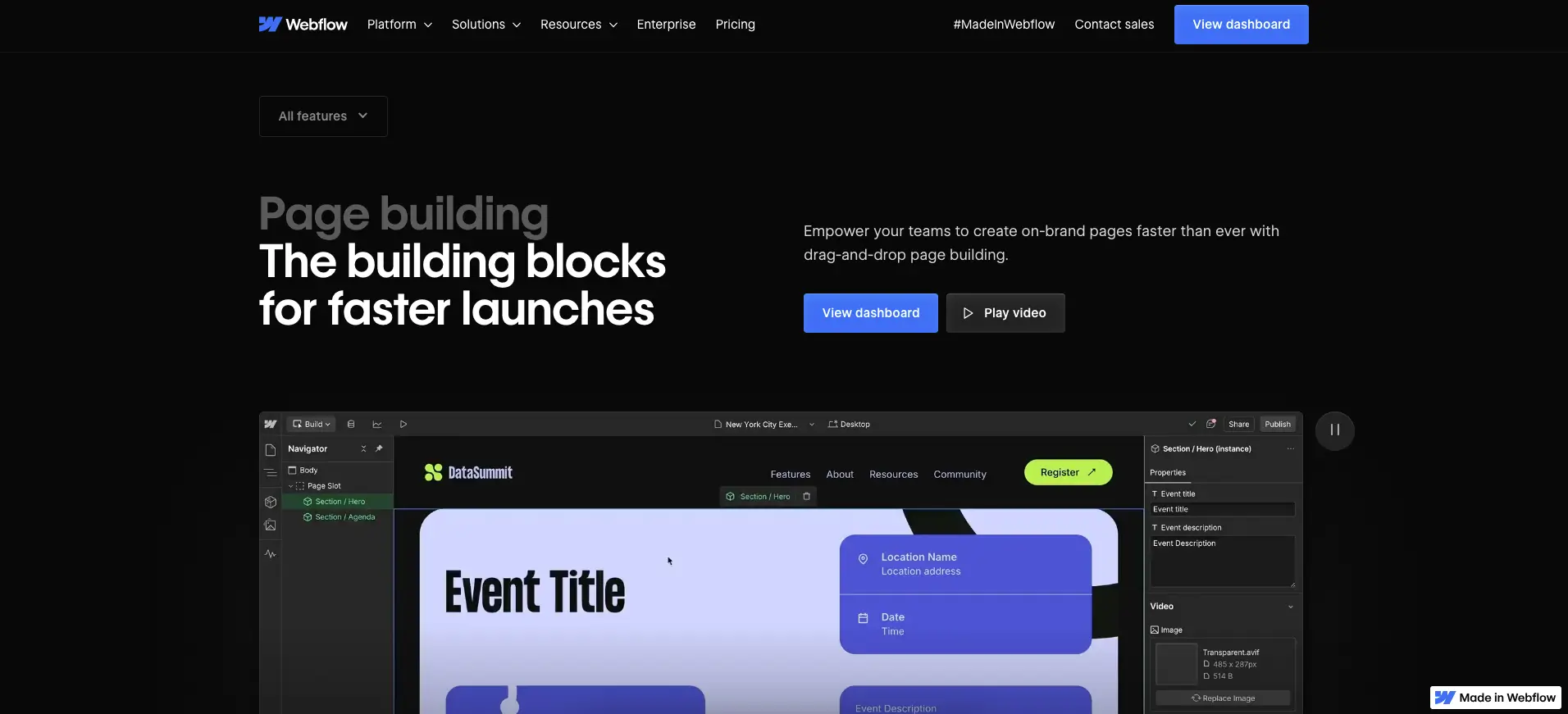
Webflow is where I build almost every landing page for my own clients, and it's the one tool on this list that isn't really a "landing page tool" in the narrow sense. It's a full website builder that happens to be very good at landing pages too: a visual builder with genuine design freedom, built-in SEO controls, and a CMS if the page needs to scale into more than one variant.
Webflow's pricing changed structurally in May 2026. Most SME landing pages now sit on the Premium plan at $25/month (billed yearly), which includes the CMS; a purely static, single-purpose page can run on Basic at $15/month without it. I've written the full breakdown of what changed in Webflow's 2026 pricing if you want the detail.
Why it works for Singapore SMEs: if your landing page needs to look genuinely on-brand, not like a template with your logo dropped in, and you want to keep using it beyond a single campaign, Webflow's flexibility pays off. It's what we used to build Lavieloo's landing pages, for exactly this reason.
Where it falls short: Webflow has no built-in Smart Traffic-style auto-optimisation, and there's a real learning curve if you're building it yourself rather than working with a designer. If you need a page live tomorrow with zero design input from anyone, this isn't the fastest route to that.
Unbounce: Best for Running Paid Ad Campaigns
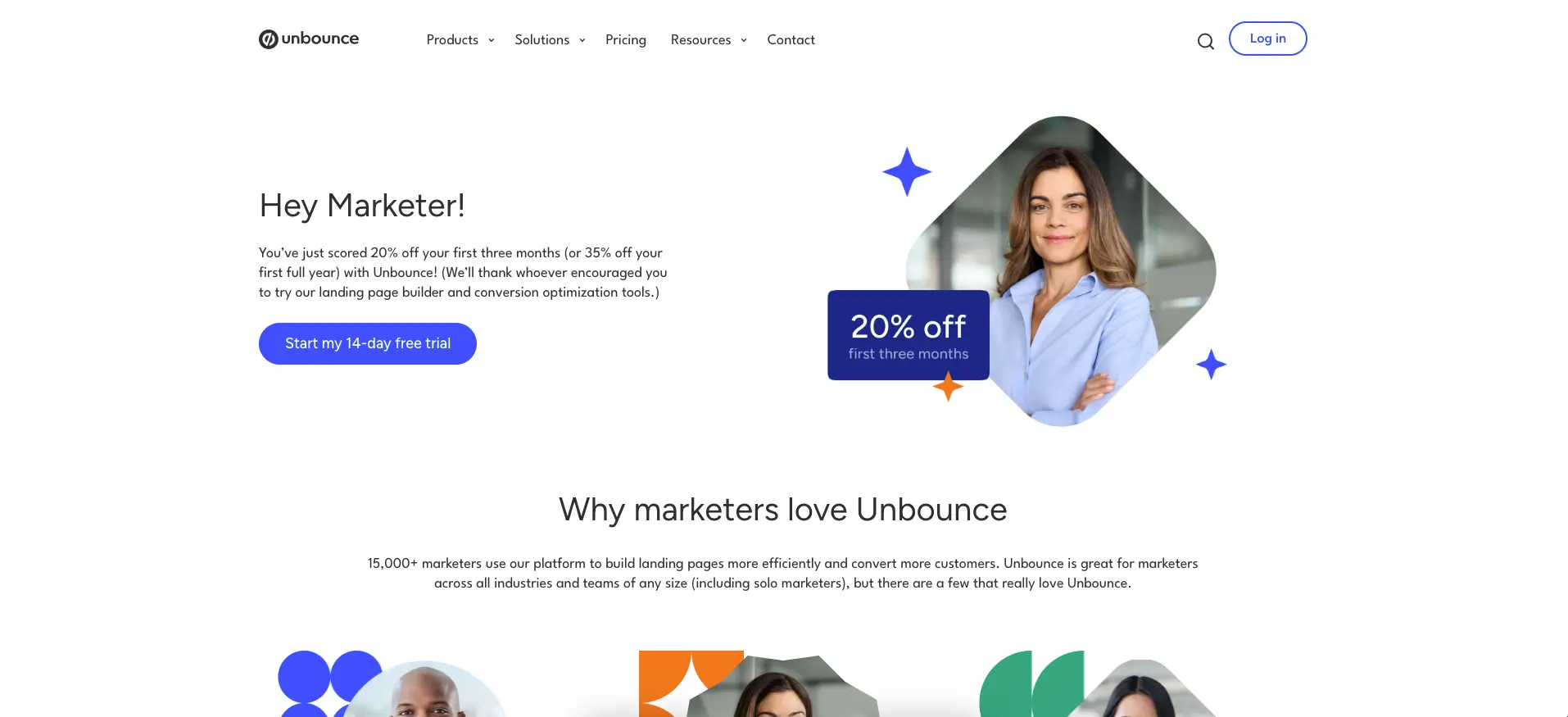
Unbounce is built specifically for marketers running ads, not for general website building, and it shows. Its Smart Traffic feature routes visitors to whichever page variant is converting best for their specific profile, automatically, which is genuinely useful if you're sending meaningful ad spend at a page.
Plans start at $99/month for the Build tier; A/B testing and Smart Traffic arrive from the $149/month Experiment plan.
Why it works in Singapore: if you're running Google or Meta ads and need a page live within days, not weeks, and want the tool actively optimising traffic while you're not watching it, Unbounce earns its price.
Where it falls short: at $99/month minimum, it's a real ongoing cost for an SME testing whether paid ads even work for them yet, and the templates read as generic once you've seen a few competitors using the same ones.
Instapage: Best for Team Collaboration and A/B Testing
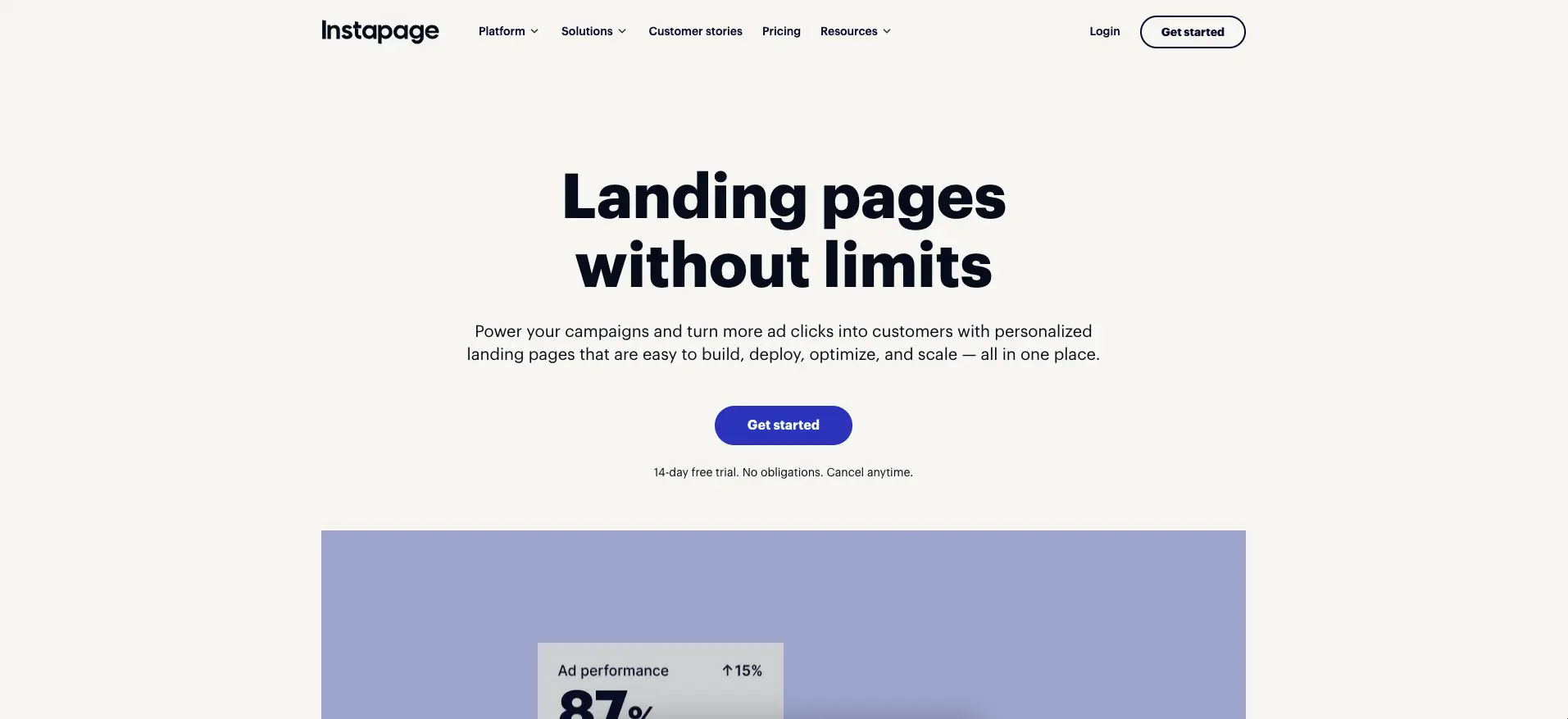
Instapage's pricing dropped substantially in 2026. Its Create plan now starts at $99/month ($79 billed yearly), well below what used to put it firmly in enterprise territory. It's built around post-click optimisation: heatmaps, detailed A/B testing from the $199/month Optimize plan, and collaboration tools that let a marketing team and an agency work on the same page without stepping on each other.
Why it works in Singapore: if you're working with an external agency or a larger internal team and need several people reviewing and editing the same page, Instapage's collaboration layer is worth the premium over a solo-focused tool.
Where it falls short: real A/B testing only kicks in from the $199/month tier, so a solo founder on the entry Create plan is mostly paying for a page builder, not the testing capability that's Instapage's main selling point.
Leadpages: Best Budget-Friendly Option
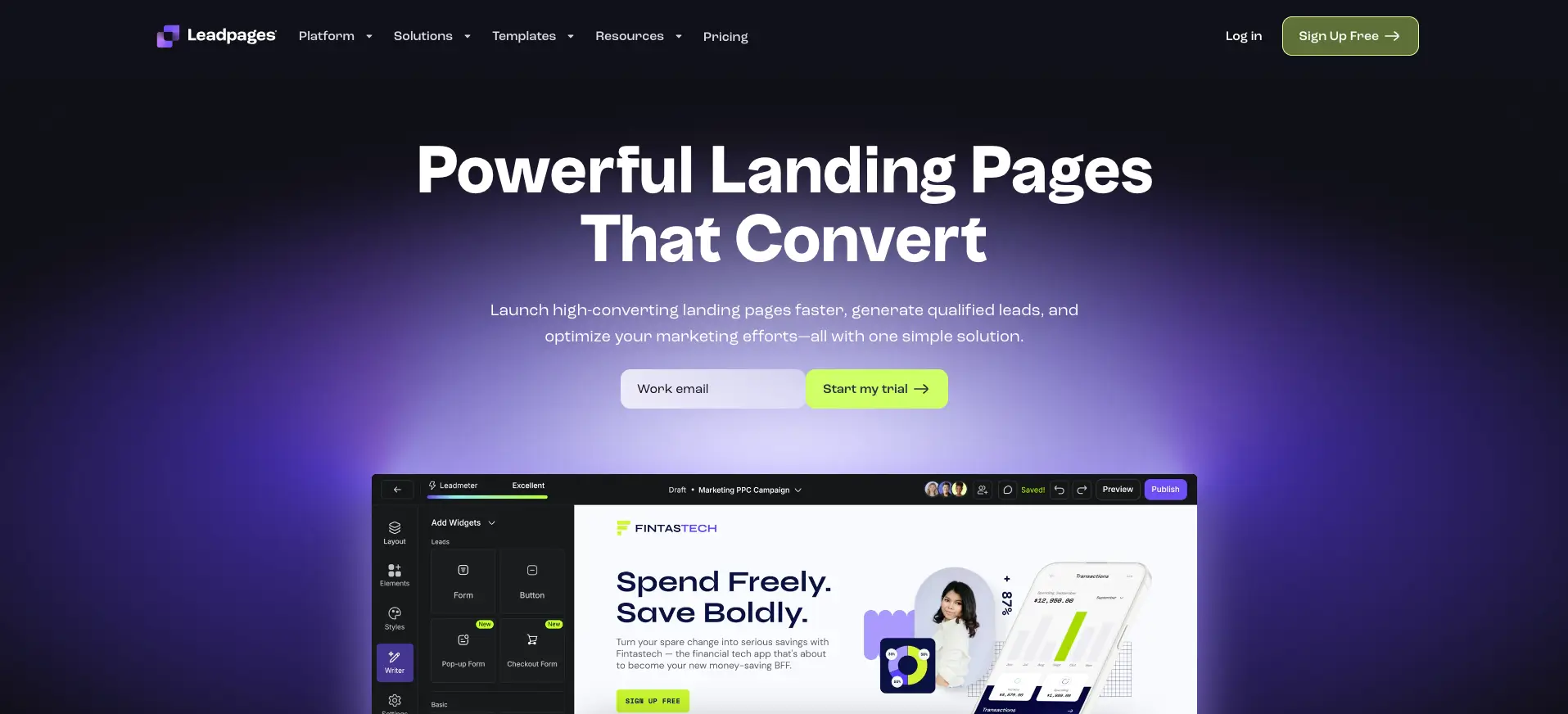
Leadpages is the cheapest genuinely capable option here, starting at $49/month ($37/month billed annually). You get unlimited landing pages and traffic, a solid template library, and over 40 standard integrations, though A/B testing isn't included on the entry tier.
Why it works in Singapore: for an SME just starting to run paid traffic and testing whether digital ads work for their business at all, Leadpages is the lowest-risk entry point.
Where it falls short: design flexibility is limited compared to Webflow, and without native A/B testing on the entry plan, you're relying on gut feel rather than data to know whether a page is actually working.
ClickFunnels: Best for Funnel-Focused Businesses
ClickFunnels bundles landing pages into full sales funnels, with upsells, order bumps, and email automation built in from the Launch plan at $97/month. It's less a landing page builder and more a complete sales-flow product.
Why it works in Singapore: coaches, course creators, and e-commerce sellers running a multi-step sales sequence rather than a single conversion page get more out of ClickFunnels than out of a standalone landing page tool.
Where it falls short: if you only need one clean page, not a funnel, ClickFunnels is more product than you need, and its templates tend to look like ClickFunnels rather than like your brand.
What These Tools Actually Cost Beyond the Subscription
The monthly price on each tool's pricing page is rarely the full number. Every tool above still needs someone to write the copy, choose or customise a template, and connect it to whatever you're using for analytics and lead tracking. That time has a cost whether you do it yourself or pay someone else to.
Template-based tools like Unbounce, Leadpages, and ClickFunnels are cheaper to start with precisely because they hand you a finished layout. The trade-off is that customising one properly, so it doesn't look like every other page built on the same template, still takes design time, just less of it than a fully custom build. Webflow sits at the other end: more design time upfront, but nothing about the result is templated once it's built, and our landing page design team can usually get a first page live inside two weeks.
If you're budgeting for a landing page project rather than just a software subscription, it's worth reading this alongside my broader breakdown of website design costs in Singapore, which covers what design time itself typically runs on top of whatever platform you land on.
Webflow vs a Dedicated Landing Page Tool: Which Should You Actually Use?
I build Webflow sites for a living, so I'll say the quiet part upfront: Webflow isn't always the right answer for a single, short-lived campaign page. If you need one page live by Friday for a one-off promotion and you'll never touch it again, Unbounce or Leadpages will get you there faster than a Webflow build will.
Where Webflow wins is anything meant to last, or anything that needs to look like the rest of your brand rather than a template with your logo swapped in. Pair it with Optibase, a no-code A/B testing tool built specifically for Webflow, and you get the testing capability that used to be the main reason to pay for Unbounce or Instapage, without leaving the platform your main site already runs on. Optibase's free tier covers up to 10,000 monthly visitors, which is enough for most SME landing pages before you'd need to think about it again. If you haven't run a structured test before, my landing page A/B testing guide walks through how to set one up properly, including a real example from a test we ran on a client's CTA that didn't go the way anyone expected.
The honest trade-off: dedicated landing page tools get you live faster with zero design decisions to make. Webflow takes longer upfront because you're actually designing something, not filling in a template, but what you end up with is yours to keep evolving, not a page that stops making sense the moment the campaign ends.
Frequently Asked Questions
Do I need a separate landing page tool if I already have a Webflow website?
Not necessarily. If your existing site is on Webflow, you can build campaign-specific landing pages directly inside it using the same design system and hosting, without paying for a second tool. The case for a dedicated tool like Unbounce comes down to speed for a single short-lived campaign, or automatic traffic-routing that Webflow doesn't natively offer.
How many landing pages does a Singapore SME actually need to run ads effectively?
There's no fixed number, but running one generic page for every campaign is usually a mistake. Different traffic sources and offers convert better with matching, specific pages, so most SMEs I work with end up running somewhere between three and six active variants at a time rather than one page for everything.
Is it worth switching landing page tools if I'm already using one?
Only if the current tool is genuinely blocking something you need, like integrations, testing, or design flexibility, rather than out of habit or a lower headline price elsewhere. Migrating pages and re-testing what already works has a real cost, so weigh that against what the switch would actually fix before moving.
Conclusion
If you're choosing between these tools right now, the decision usually comes down to one question: are you building one page for one campaign, or a page that needs to grow with your business? The first points you toward Unbounce or Leadpages. The second points toward Webflow.
A few things worth doing before you sign up for anything: list the specific integrations your marketing stack actually needs and check each tool against that list, not the marketing page's feature grid. Ask for a trial account and build one real page before committing to an annual plan. And if you're already running a Webflow site, price out Optibase against a dedicated tool's testing tier before assuming you need to add a second platform.
If you'd rather have someone walk through which setup actually fits your traffic and goals, that's a conversation worth having before you commit to a year of any of these.
{{build-better-experience="/directory"}}
Categories
Written By
.webp)
Resources
Related Articles
Deep dive into our latest news and insights.


